UI (User Interface) and UX (User Experience) design are crucial aspects of creating user-friendly and engaging digital products. UI focuses on the visual elements and interactive components that users directly interact with, such as buttons, menus, and overall layout. UX, on the other hand, encompasses the entire user journey, aiming to create a seamless and satisfying experience from start to finish. Emojis can be used to visually represent various stages of the design process, from brainstorming and prototyping to testing and implementation. They can also convey user emotions and feedback, helping designers understand how users feel about their creations. Using emojis in UI/UX discussions and documentation can add a touch of personality and clarity, making complex concepts more accessible and engaging for everyone involved. Whether you're a designer, developer, or product manager, incorporating emojis into your UI/UX workflow can enhance communication and foster a more collaborative environment. They can also be used in user surveys and feedback forms to gauge user sentiment and gather valuable insights for improving the user experience. From wireframing to user testing, emojis can play a surprisingly effective role in the world of UI/UX.
17+Emoji
8Messages
5Tips
⚡
Quick Copy
Copy most popular emojis with one click
🎨
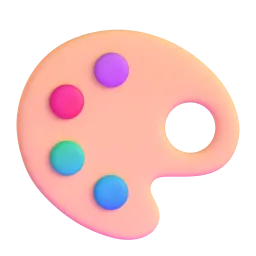
Artist Palette
💻
Laptop
📱
Mobile Phone
🖱️
Computer Mouse
💡
Light Bulb
🤔
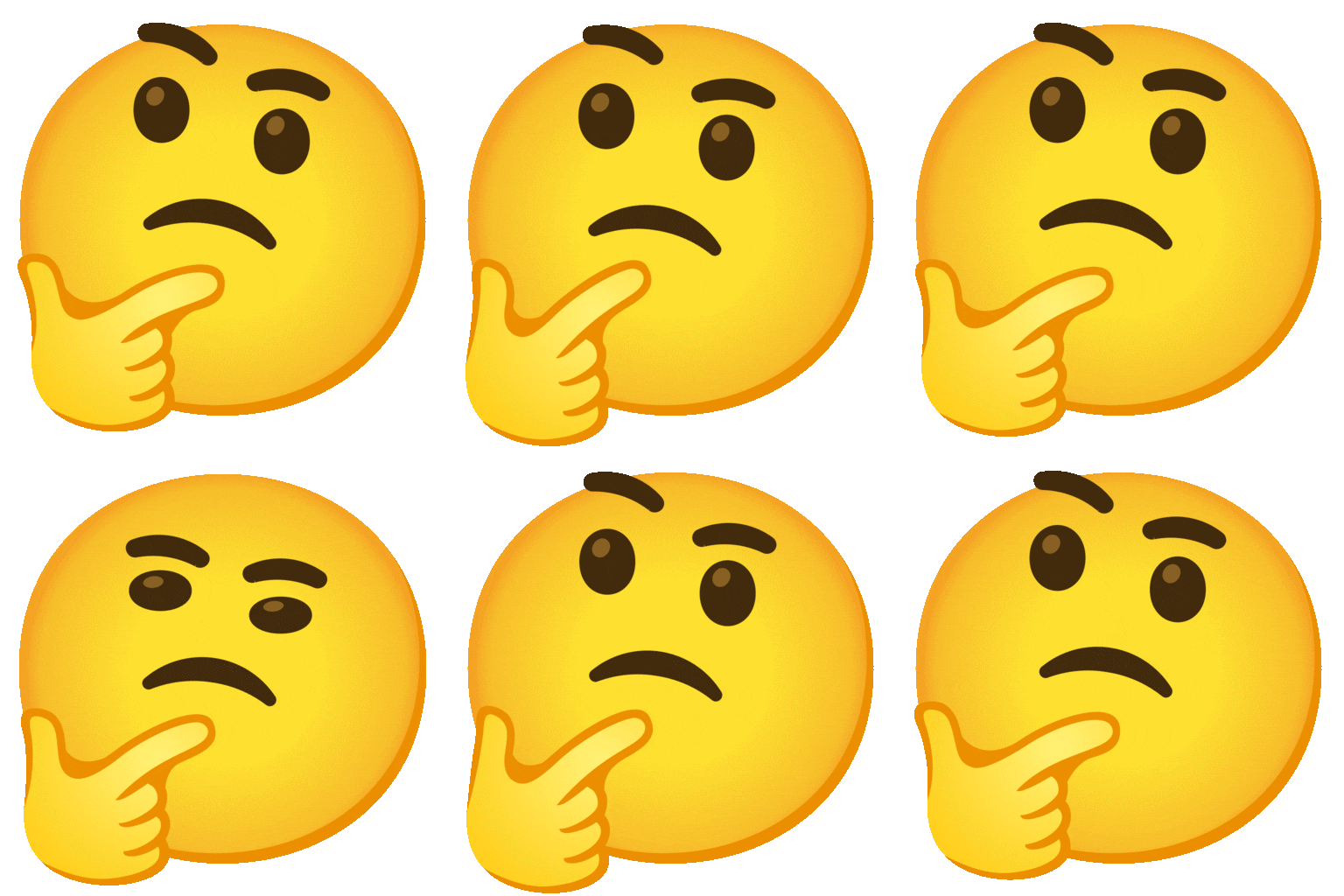
Thinking Face
✅
Check Mark
🚧
Construction
📊
Bar Chart
🧪 Emoji Mashups (Emoji Kitchen)
Fun mashups created by combining UI UX emojis with Emoji Kitchen. Download and use them freely.
Help grow the UI UX collection! Suggest emojis or symbols you think are missing and contribute to the community.
💡 Missing an emoji/symbol?
📖
Meaning & Usage
🎨
Artist Palette
Represents creativity, design, and the artistic aspects of UI design. It can be used to symbolize the visual elements and aesthetic appeal of a user interface. On some platforms like Apple, it appears with more vibrant colors than on others like Microsoft.
💻
Laptop
Represents the digital environment where UI/UX design takes place. It can be used to symbolize the tools and technologies used in the design process. The appearance varies slightly across platforms, with some showing different laptop models.
📱
Mobile Phone
Represents mobile applications and the importance of responsive design in UI/UX. It can be used to symbolize the user experience on mobile devices. The phone design differs depending on the platform (Apple, Google, Samsung, etc.).
💡
Light Bulb
Represents ideas, innovation, and the brainstorming process in UI/UX design. It can be used to symbolize the generation of new concepts and solutions. The bulb's style and color can vary between platforms.
🤔
Thinking Face
Represents the user's perspective and the importance of understanding user needs in UX design. It can be used to symbolize user research and empathy. The expression can appear more or less thoughtful depending on the platform.
✅
Check Mark
Represents successful completion, validation, and positive user feedback in UI/UX design. It can be used to symbolize testing and approval. The check mark's color and style can vary.
📊
Bar Chart
Represents data analysis, user research findings, and the importance of metrics in UI/UX design. It can be used to symbolize data-driven decision-making. The chart's appearance can differ slightly across platforms.
📱
Platform Appearances
🎨 Artist Palette
Google NotoApache 2.0
Twitter/XCC-BY 4.0
Fluent 3DMIT
OpenMojiCC BY-SA 4.0
💻 Laptop
Google NotoApache 2.0
Twitter/XCC-BY 4.0
Noto AnimatedApache 2.0
Fluent 3DMIT
OpenMojiCC BY-SA 4.0
📱 Mobile Phone
Google NotoApache 2.0
Twitter/XCC-BY 4.0
Fluent 3DMIT
OpenMojiCC BY-SA 4.0
🖱️ Computer Mouse
Google NotoApache 2.0
Twitter/XCC-BY 4.0
OpenMojiCC BY-SA 4.0
💡 Light Bulb
Google NotoApache 2.0
Twitter/XCC-BY 4.0
Noto AnimatedApache 2.0
Fluent 3DMIT
OpenMojiCC BY-SA 4.0
🤔 Thinking Face
Google NotoApache 2.0
Noto AnimatedApache 2.0
Fluent 3DMIT
OpenMojiCC BY-SA 4.0
ℹ️ All images shown are from open-licensed sources (Apache 2.0, MIT, CC-BY 4.0, CC BY-SA 4.0) and are free to use.
💬
Ready Messages
Copy and share
Brainstorming session for the new app UI! 🎨💻 Let's get those creative juices flowing! 💡
User testing is complete! ✅ We've gathered some valuable feedback. 🤔
Wireframes are ready for review! 📱💻 Please provide your input. 🙏
Implementing the new design changes! 🚧 Almost there! 🎉
Analyzing user data to improve the UX. 📊 Let's make it even better! ✨
New UI design is live! 🎉 Check it out and let me know what you think! 👍
UX improvements are rolling out! 🚀 We hope you enjoy the enhanced experience! 😊
Need feedback on this button placement 🤔. Does it make sense to you? 🖱️
🎨
Related Emojis
🖥️
Desktop Computer
⚙️
Gear
🖌️
Paintbrush
📐
Triangular Ruler
📈
Chart Increasing
🤝
Handshake
🔍
Magnifying Glass
💬
Speech Balloon
💡
Usage Tips
🎯
Use Contextually
Choose emojis that are relevant to the specific UI/UX concept you're discussing. Avoid using them randomly, as this can create confusion.
🎯
Consider Platform Differences
Be aware that emojis can appear differently across various platforms (Apple, Google, Samsung, etc.). Test how your messages look on different devices to ensure clarity.
🎯
Use Sparingly
Don't overuse emojis. A few well-placed emojis can enhance communication, but too many can be distracting and unprofessional.
🎯
Enhance Communication
Use emojis to clarify your message and add emotional context. They can help convey tone and prevent misunderstandings, especially in written communication.
🎯
Accessibility Considerations
Remember that screen readers may not interpret emojis accurately. Always provide alternative text descriptions for emojis in important contexts to ensure accessibility.