Interaction Design (IxD) focuses on creating engaging and user-friendly digital products and services. It's about understanding user behavior, needs, and motivations to craft intuitive and enjoyable experiences. Emojis can be used to visually represent different aspects of the design process, from brainstorming and prototyping to user testing and feedback. They can also help to communicate design concepts and ideas in a more accessible and engaging way, especially when collaborating with cross-functional teams or presenting to stakeholders. Using emojis effectively can add a touch of personality and clarity to your design communications.
When choosing emojis for interaction design, consider the context and audience. Are you communicating with fellow designers, developers, or clients? The level of technical detail and the tone of your message will influence your emoji choices. For example, you might use more technical emojis like ⚙️ or 💻 when discussing development aspects, while more general emojis like 🤔 or 👍 might be appropriate for client communication. Be mindful of cultural differences and avoid using emojis that could be misinterpreted or offensive. Remember that emojis are a visual language, so use them strategically to enhance your message and avoid overwhelming the recipient. Think about using emojis to represent user flows, different UI elements, or even emotional states during user testing.
Ultimately, the goal is to make your communication more effective and engaging. Experiment with different emoji combinations and see what works best for you and your team. Don't be afraid to get creative and have fun with it! Just remember to always prioritize clarity and avoid using emojis that could be confusing or distracting. By using emojis thoughtfully and strategically, you can enhance your interaction design communication and create more engaging and user-friendly experiences.
18+Emoji
8Messages
5Tips
⚡
Quick Copy
Copy most popular emojis with one click
🤔
Thinking Face
💡
Light Bulb
💻
Laptop
📱
Mobile Phone
🎨
Artist Palette
✍️
Writing Hand
📊
Chart Increasing
👍
Thumbs Up
⚙️
Gear
🧪
Test Tube
🧪 Emoji Mashups (Emoji Kitchen)
Fun mashups created by combining Interaction Design emojis with Emoji Kitchen. Download and use them freely.
Help grow the Interaction Design collection! Suggest emojis or symbols you think are missing and contribute to the community.
💡 Missing an emoji/symbol?
📖
Meaning & Usage
🤔
Thinking Face
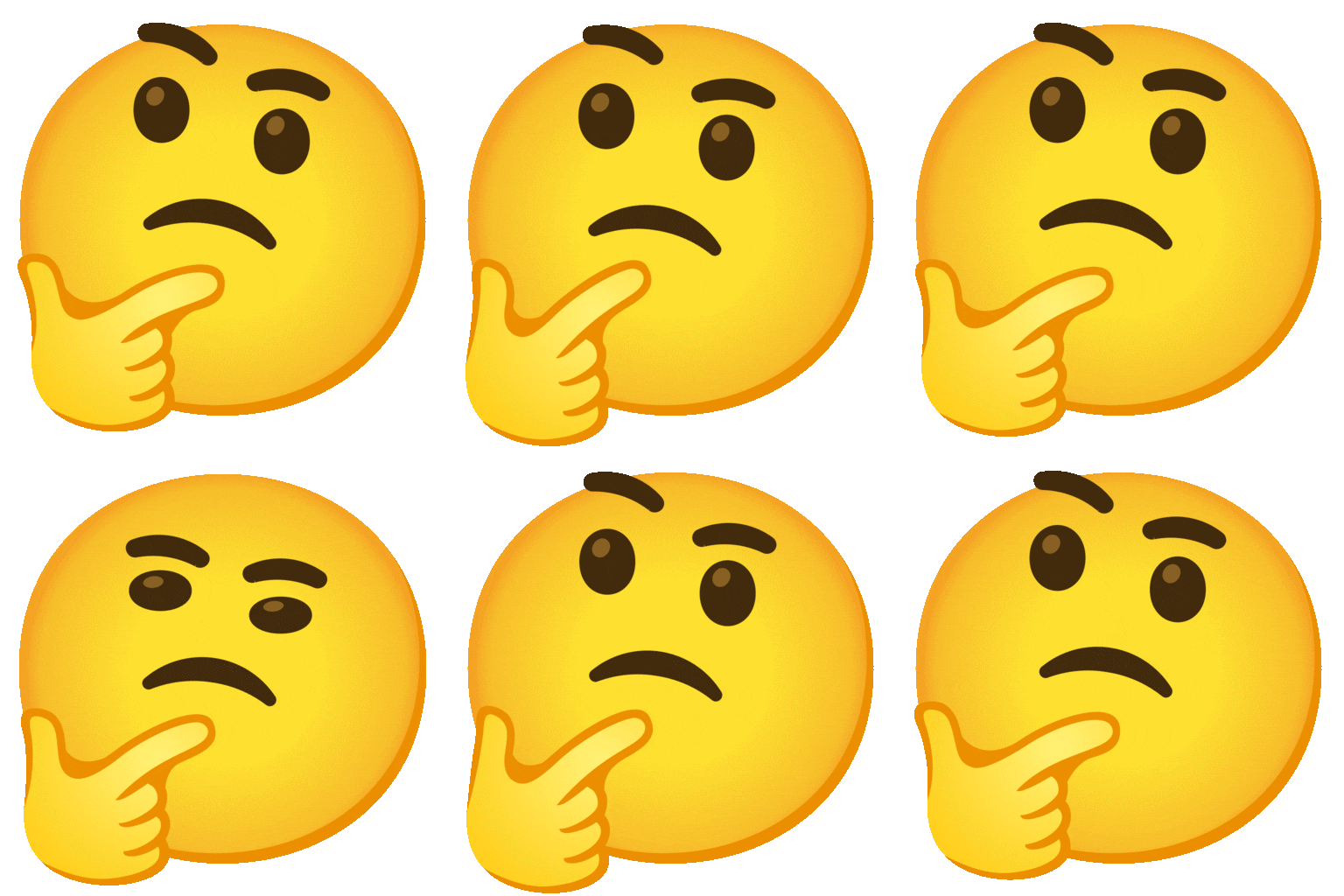
Represents the process of brainstorming, ideation, and problem-solving in interaction design. It can be used to indicate that you are considering different options or trying to understand a user's perspective. On different platforms, the expression can vary slightly, from a neutral pondering to a more skeptical look.
💡
Light Bulb
Symbolizes a new idea, innovation, or a moment of inspiration during the design process. It's often used to highlight a creative solution or a breakthrough in user experience. The bulb design varies across platforms, but the meaning remains consistent.
💻
Laptop
Represents the digital tools and platforms used in interaction design, such as design software, coding environments, and prototyping tools. It can also symbolize the digital interface itself. Design variations are minimal across platforms.
📱
Mobile Phone
Represents mobile-first design and the importance of creating user-friendly experiences on smartphones. It highlights the focus on mobile interactions and responsive design. The phone model depicted varies by platform.
🎨
Artist Palette
Symbolizes the visual design aspects of interaction design, including color palettes, typography, and overall aesthetic appeal. It can be used to represent the creative and artistic side of the design process. The palette and brush arrangement differs slightly across platforms.
✍️
Writing Hand
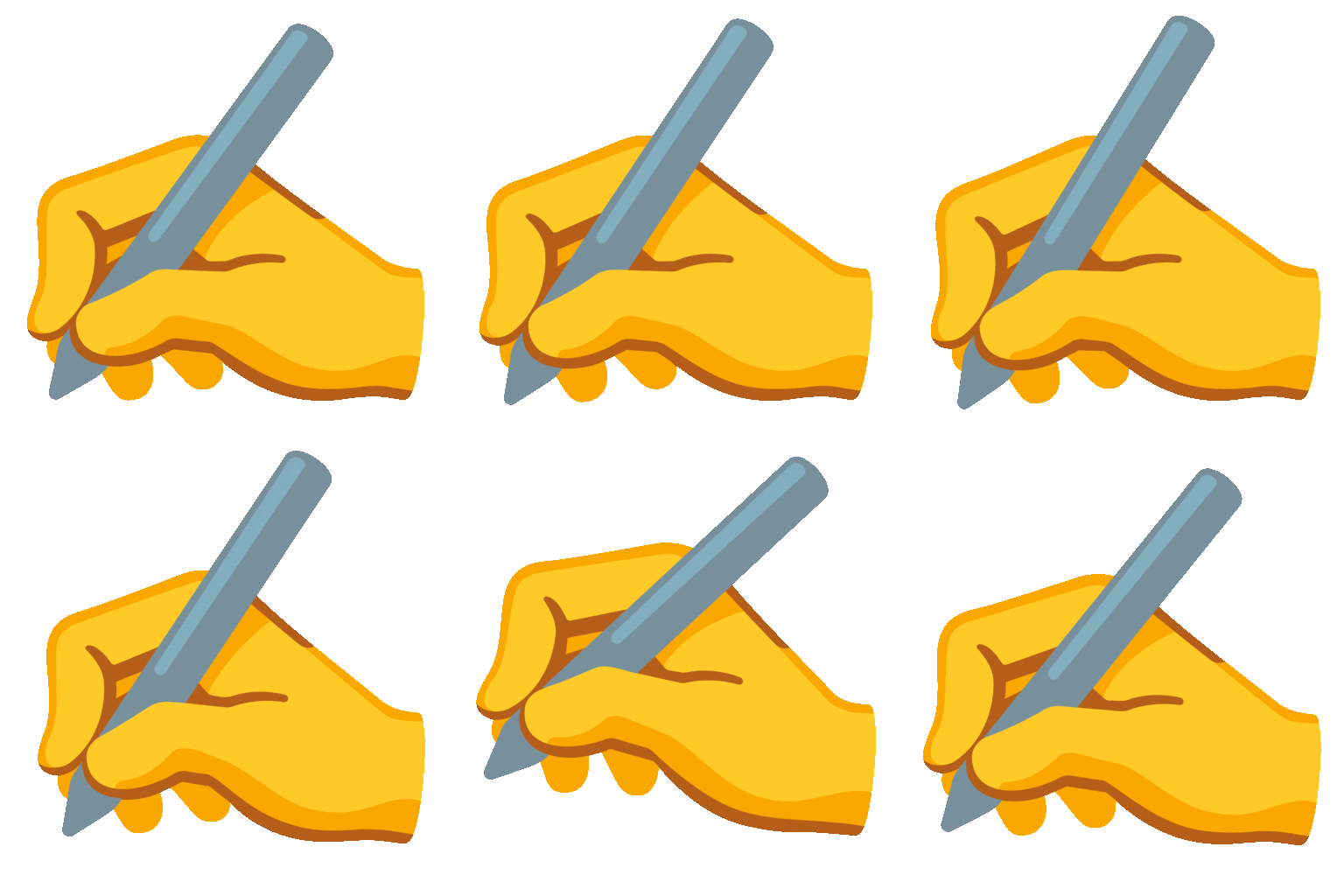
Represents user input, form design, and the act of interacting with a digital interface through text. It can also symbolize the creation of user documentation or design specifications. The hand's writing direction and pen style vary across platforms.
📊
Chart Increasing
Represents data analysis, user research, and the use of metrics to improve the user experience. It highlights the importance of data-driven design decisions. The chart's visual style varies, but the upward trend is consistent.
📱
Platform Appearances
🤔 Thinking Face
Google NotoApache 2.0
Noto AnimatedApache 2.0
Fluent 3DMIT
OpenMojiCC BY-SA 4.0
💡 Light Bulb
Google NotoApache 2.0
Twitter/XCC-BY 4.0
Noto AnimatedApache 2.0
Fluent 3DMIT
OpenMojiCC BY-SA 4.0
💻 Laptop
Google NotoApache 2.0
Twitter/XCC-BY 4.0
Noto AnimatedApache 2.0
Fluent 3DMIT
OpenMojiCC BY-SA 4.0
📱 Mobile Phone
Google NotoApache 2.0
Twitter/XCC-BY 4.0
Fluent 3DMIT
OpenMojiCC BY-SA 4.0
🎨 Artist Palette
Google NotoApache 2.0
Twitter/XCC-BY 4.0
Fluent 3DMIT
OpenMojiCC BY-SA 4.0
✍️ Writing Hand
Google NotoApache 2.0
Twitter/XCC-BY 4.0
Noto AnimatedApache 2.0
OpenMojiCC BY-SA 4.0
ℹ️ All images shown are from open-licensed sources (Apache 2.0, MIT, CC-BY 4.0, CC BY-SA 4.0) and are free to use.
💬
Ready Messages
Copy and share
Brainstorming session for the new app design! 🤔💡 Let's get creative! 🎨
User testing is complete! 👍 Now let's analyze the results. 📊
Working on the mobile version of the website. 📱💻 Mobile-first design is key! ✨
Need feedback on the latest UI design. 🎨 What do you think? 🤔
Prototyping the new user flow. ✍️ Let's make it intuitive! 👍
Debugging the interaction. ⚙️ Almost there! 🧪
Presenting the design concept to the client. 📊 Wish me luck! 🙏
New design idea! 💡 Let's sketch it out. ✍️
🎨
Related Emojis
💻
Devices
🎨
Design
🤔
Thinking
📊
Data
👍
Feedback
⚙️
Development
🧪
Testing
💡
Ideas
💡
Usage Tips
🎯
Use emojis to add context
Emojis can help clarify the tone and intent of your message, especially in written communication. For example, using a 👍 can show approval or agreement.
🎯
Choose emojis that are relevant
Select emojis that directly relate to the topic you're discussing to avoid confusion. A laptop 💻 is more relevant than a random smiley face when talking about web design.
🎯
Be mindful of platform differences
Emojis can look different across platforms (Apple, Google, Samsung, etc.). Test your messages on different devices to ensure they are displayed as intended.
🎯
Don't overdo it
Using too many emojis can be distracting and make your message difficult to read. Use them sparingly and strategically to enhance your communication.
🎯
Consider cultural context
Some emojis can have different meanings in different cultures. Be aware of potential misinterpretations and avoid using emojis that could be offensive.
🔗
Similar Combinations
Discover more emoji combinations related to Interaction Design