Project management is all about planning, organizing, and executing tasks to achieve specific goals. In the digital age, emojis can be a fun and efficient way to communicate progress, deadlines, and team morale within project management workflows. This guide explores the best emojis to use in project management, helping you streamline communication and add a touch of personality to your professional exchanges. From task tracking to celebrating milestones, emojis can enhance clarity and foster a positive team environment. Whether you're using project management software, email, or instant messaging, incorporating emojis strategically can improve team collaboration and project outcomes.
Emojis can visually represent different stages of a project, such as planning (🤔), in progress (🚧), or completed (✅). They can also convey emotions related to project status, like excitement (🥳) for achieving a goal or concern (😟) when facing a challenge. Using emojis in project updates, meeting notes, and task assignments can make information more accessible and engaging. However, it's important to use emojis judiciously and consider your audience. Overusing emojis can be distracting or unprofessional, especially in formal communications. A well-placed emoji can add context and clarity, but too many can dilute your message. Understanding the nuances of each emoji and its potential interpretations across different platforms is key to effective communication in project management.
Consider the cultural context of your team members when using emojis. Some emojis may have different meanings in different cultures, which could lead to misunderstandings. For example, the 👍 (thumbs up) emoji is generally positive in Western cultures, but it can be offensive in some parts of the Middle East and Latin America. Always be mindful of your audience and choose emojis that are universally understood or relevant to your team's specific context. By incorporating emojis thoughtfully into your project management communications, you can create a more engaging, efficient, and enjoyable work environment.
18+Emoji
8Messages
5Tips
⚡
Quick Copy
Copy most popular emojis with one click
✅
Check Mark
🚧
Construction
📅
Calendar
⏰
Alarm Clock
📊
Bar Chart
📈
Chart Increasing
🤝
Handshake
🥳
Partying Face
🤔
Thinking Face
📌
Pushpin
🧪 Emoji Mashups (Emoji Kitchen)
Fun mashups created by combining Project Management emojis with Emoji Kitchen. Download and use them freely.
Help grow the Project Management collection! Suggest emojis or symbols you think are missing and contribute to the community.
💡 Missing an emoji/symbol?
📖
Meaning & Usage
✅
Check Mark
Indicates task completion or approval. Use it to confirm that a task is finished or a decision has been made. On some platforms, the check mark may appear in different styles (e.g., bold, outlined).
🚧
Construction
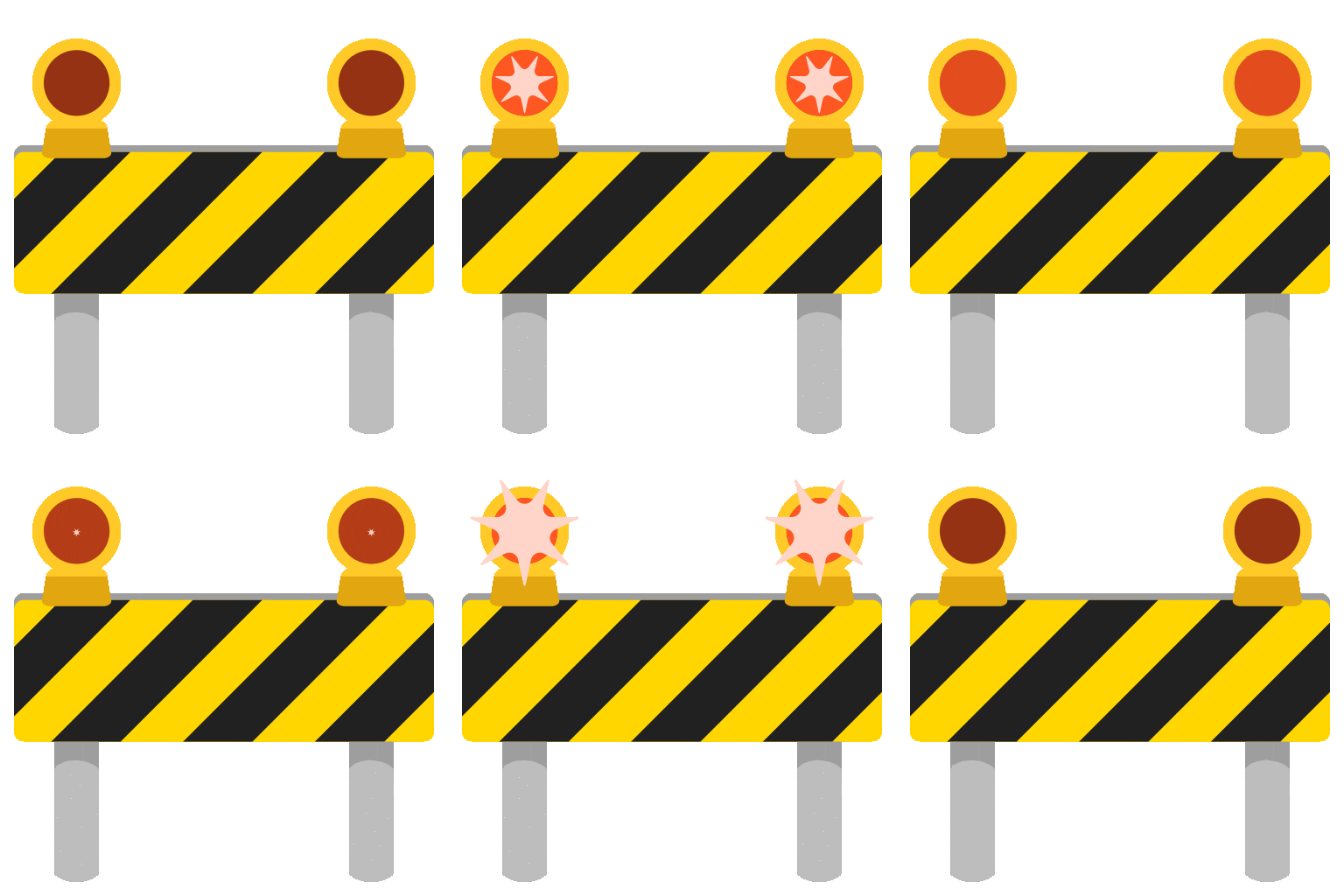
Represents a project in progress or a task that is currently being worked on. It can also indicate potential delays or obstacles. The appearance varies across platforms, with some showing road work signs and others showing cones.
📅
Calendar
Represents deadlines, schedules, or important dates. Use it to highlight key milestones or meeting dates. The calendar emoji often displays the current date or a generic date like July 15th.
⏰
Alarm Clock
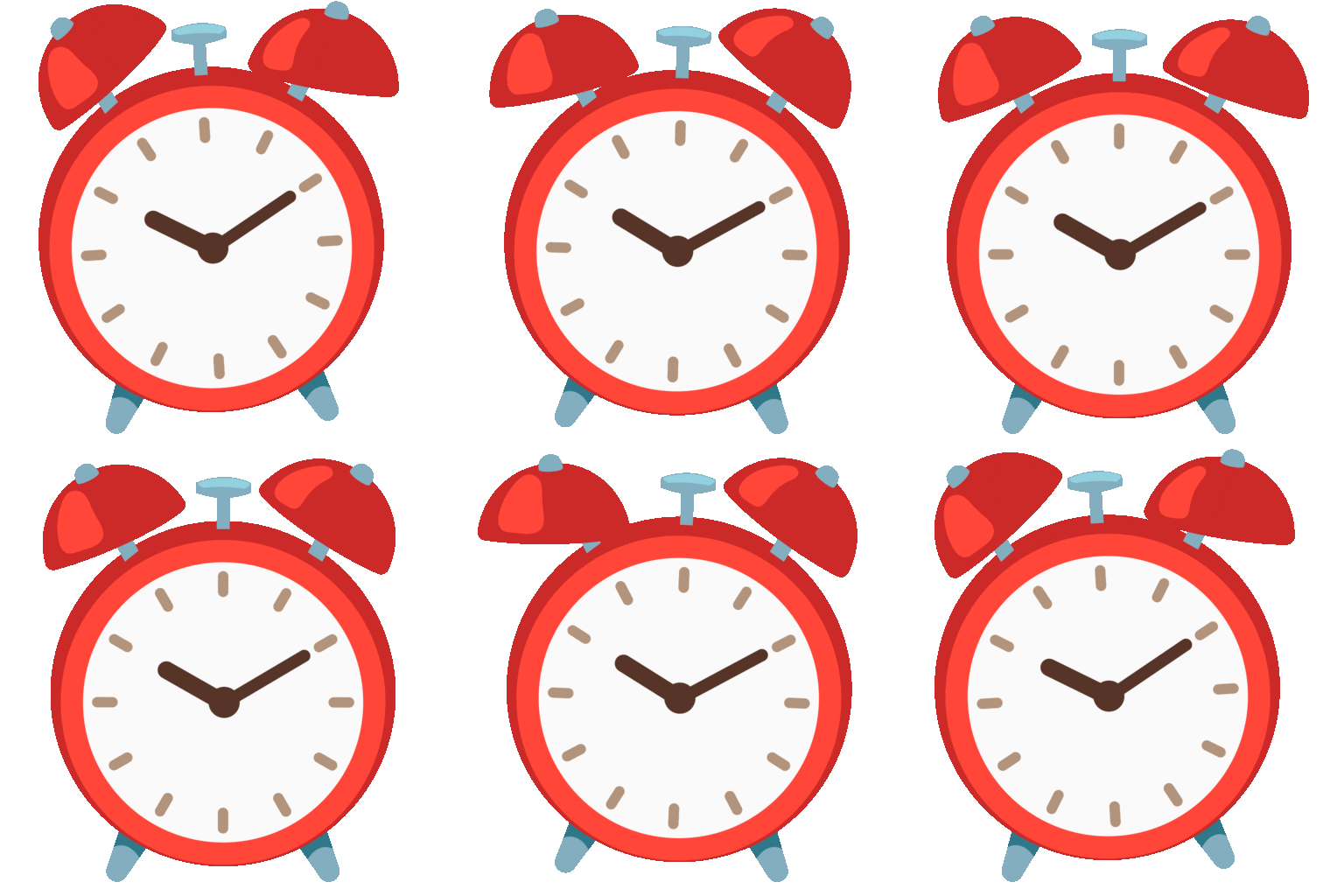
Indicates a reminder or a deadline that is approaching. Use it to emphasize the urgency of a task. The style of the alarm clock varies, with some showing digital displays and others showing traditional bells.
📊
Bar Chart
Represents data, progress reports, or performance metrics. Use it to share project updates or analyze results. The visual representation of the bar chart can differ slightly across platforms.
📈
Chart Increasing
Indicates positive progress, growth, or improvement. Use it to celebrate achievements or highlight positive trends. The chart's upward trajectory is consistent across platforms.
🤝
Handshake
Represents collaboration, agreement, or partnership. Use it to acknowledge teamwork or confirm a deal. Skin tone modifiers can be used to customize the handshake.
📱
Platform Appearances
✅ Check Mark
Google NotoApache 2.0
Twitter/XCC-BY 4.0
Noto AnimatedApache 2.0
Fluent 3DMIT
OpenMojiCC BY-SA 4.0
🚧 Construction
Google NotoApache 2.0
Twitter/XCC-BY 4.0
Noto AnimatedApache 2.0
Fluent 3DMIT
OpenMojiCC BY-SA 4.0
📅 Calendar
Google NotoApache 2.0
Twitter/XCC-BY 4.0
Fluent 3DMIT
OpenMojiCC BY-SA 4.0
⏰ Alarm Clock
Google NotoApache 2.0
Twitter/XCC-BY 4.0
Noto AnimatedApache 2.0
Fluent 3DMIT
OpenMojiCC BY-SA 4.0
📊 Bar Chart
Google NotoApache 2.0
Twitter/XCC-BY 4.0
Noto AnimatedApache 2.0
Fluent 3DMIT
OpenMojiCC BY-SA 4.0
📈 Chart Increasing
Google NotoApache 2.0
Twitter/XCC-BY 4.0
Noto AnimatedApache 2.0
Fluent 3DMIT
OpenMojiCC BY-SA 4.0
ℹ️ All images shown are from open-licensed sources (Apache 2.0, MIT, CC-BY 4.0, CC BY-SA 4.0) and are free to use.
💬
Ready Messages
Copy and share
Project kickoff meeting scheduled for next Monday! 📅 Let's get this done! 🚀
Task completed! ✅ Moving on to the next phase. ➡️
Deadline approaching! ⏰ Please submit your reports by Friday. 📝
Great progress on the project! 📈 Keep up the good work! 👍
Team collaboration is key! 🤝 Let's work together to achieve our goals. 🎯
Facing some challenges with the design. 🚧 Need to brainstorm solutions. 🤔
Celebrating a major milestone! 🥳 Thanks to everyone for their hard work! 🎉
Need your feedback on the new proposal. 📌 Please review and provide comments. 💬
🎨
Related Emojis
✅
Completion
📅
Scheduling
📊
Reporting
🤝
Collaboration
⏰
Deadlines
🤔
Problem Solving
🚀
Progress
📣
Announcements
💡
Usage Tips
🎯
Use emojis sparingly
Avoid overusing emojis, as it can make your messages look unprofessional. Use them to highlight key points or add emotional context.
🎯
Consider your audience
Be mindful of your team's culture and preferences when using emojis. Some emojis may not be appropriate for all audiences.
🎯
Test on different platforms
Emojis can appear differently on different platforms (e.g., Apple, Google, Samsung). Test your messages to ensure they display correctly.
🎯
Use emojis for visual cues
Incorporate emojis to visually represent different stages of a project or types of tasks. This can improve clarity and understanding.
🎯
Maintain Professionalism
While emojis can add personality, ensure your communication remains professional. Avoid using overly casual or ambiguous emojis in formal settings.
🔗
Similar Combinations
Discover more emoji combinations related to Project Management