The concept of 'image' encompasses a wide range of visual representations, from photographs and illustrations to digital graphics and even reflections. Emojis related to images can be used to express creativity, share memories, comment on visual content, or simply add a visual element to your messages. These emojis can represent the act of taking a picture, the quality of an image, or the type of image being shared. Understanding the nuances of these emojis can enhance your communication and allow you to express yourself more effectively in the digital world. Whether you're a photographer, a social media enthusiast, or just someone who enjoys sharing visual content, these emojis provide a fun and engaging way to interact with images online.
Emojis related to images have evolved to reflect the changing landscape of visual communication. From the classic camera emoji to more modern representations of digital art and design, these symbols offer a versatile toolkit for expressing yourself visually. They can be used to convey emotions, share experiences, and even create visual narratives. As technology continues to advance and new forms of visual media emerge, the range of image-related emojis is likely to expand even further, providing even more opportunities for creative expression and communication. Consider the context of your message and the platform you are using when selecting the appropriate emoji to ensure that your message is clear and impactful. Different platforms may render emojis differently, so it's always a good idea to double-check how your chosen emoji appears on different devices.
18+Emoji
8Messages
5Tips
⚡
Quick Copy
Copy most popular emojis with one click
📸
Camera with Flash
🖼️
Framed Picture
🤳
Selfie
🎨
Artist Palette
📹
Video Camera
🔍
Magnifying Glass
🎞️
Film Frames
📸
Camera
🤳
Selfie
📹
Video Camera
🧪 Emoji Mashups (Emoji Kitchen)
Fun mashups created by combining Image emojis with Emoji Kitchen. Download and use them freely.
Help grow the Image collection! Suggest emojis or symbols you think are missing and contribute to the community.
💡 Missing an emoji/symbol?
📖
Meaning & Usage
📸
Camera with Flash Emoji
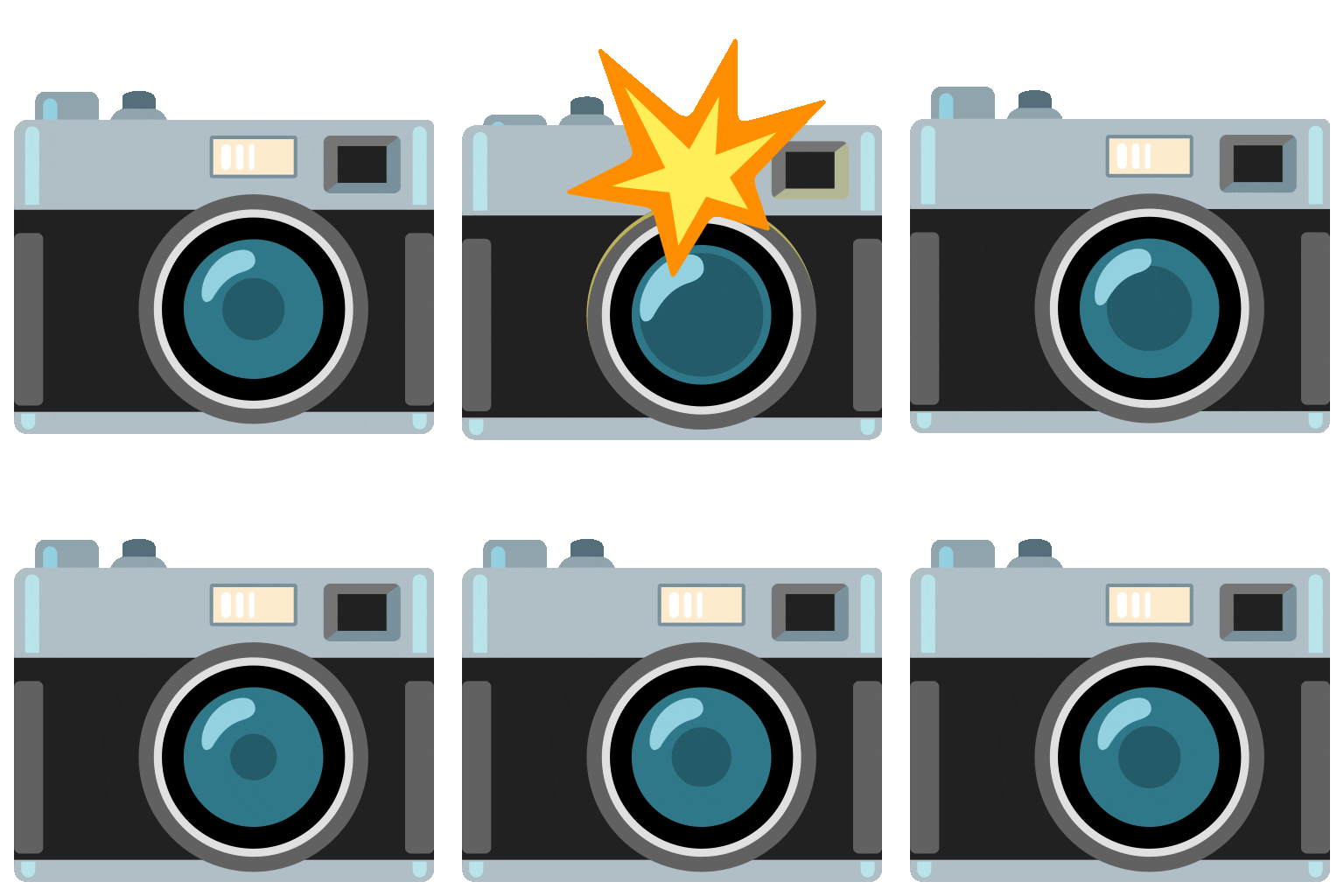
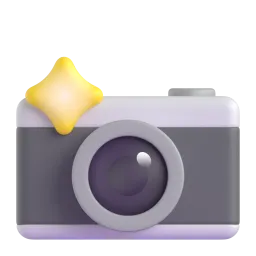
Represents taking a photo, photography in general, or sharing a visual moment. On Apple, it's a classic silver camera, while on Google, it's a black camera. Use it when you're excited about capturing a memory or sharing a picture.
🖼️
Framed Picture Emoji
Signifies a picture, artwork, or a memory. It can also represent museums or art galleries. The design varies across platforms, with some showing a landscape and others an abstract image. Use it when discussing art or sharing a cherished photo.
🤳
Selfie Emoji
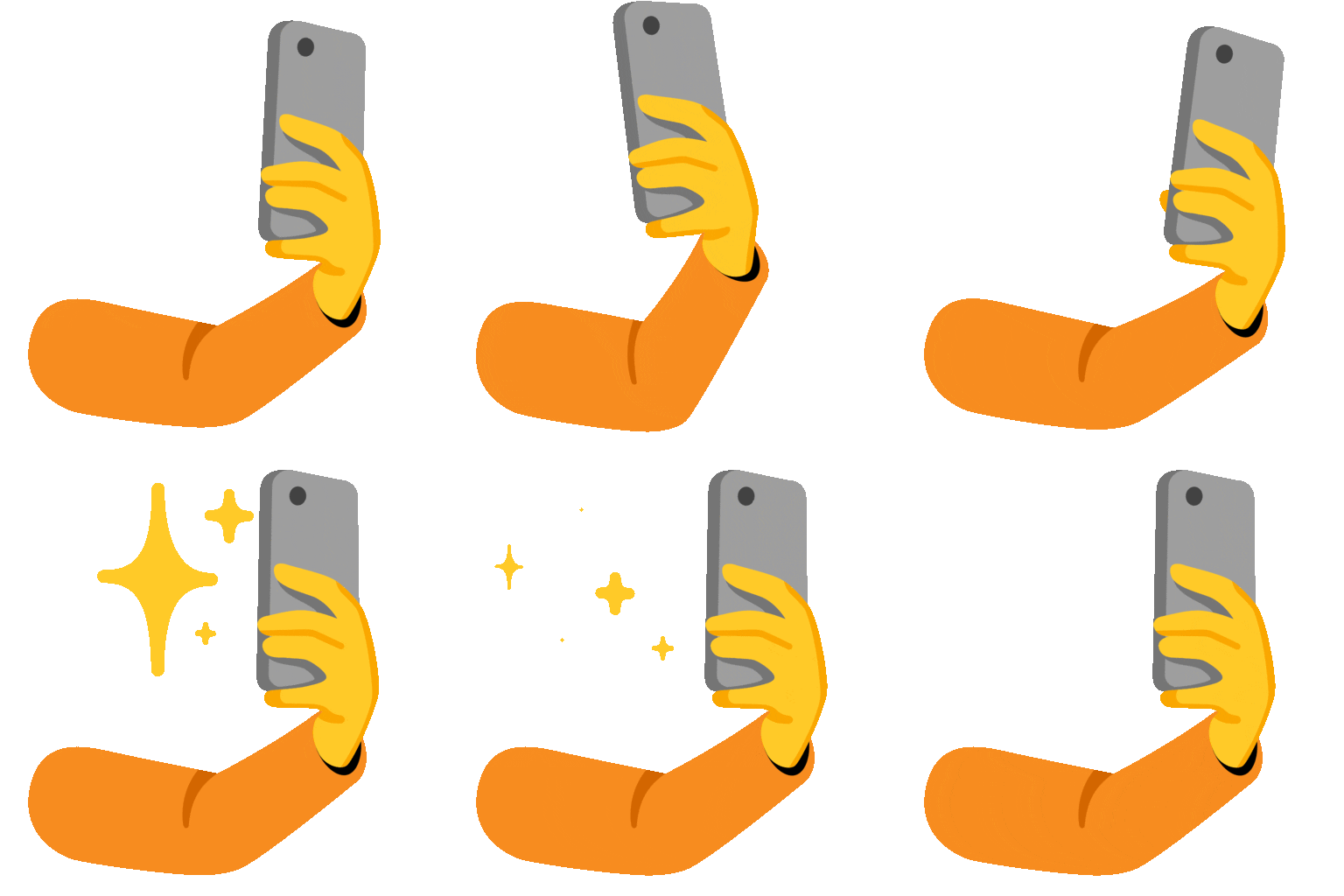
Represents taking a selfie or self-portrait. It's often used in the context of social media and self-expression. The angle of the phone and the arm holding it are consistent across platforms. Use it when sharing a selfie or talking about selfie culture.
🎨
Artist Palette Emoji
Represents art, painting, creativity, or artistic expression. It typically shows a palette with different colors of paint. Use it when discussing art projects, creative endeavors, or artistic hobbies.
📹
Video Camera Emoji
Represents recording a video, filmmaking, or video content in general. It's often used in the context of YouTube, streaming, or video editing. The style of the camera varies across platforms. Use it when sharing a video or talking about video production.
🔍
Magnifying Glass Emoji
Represents searching, investigating, or looking closely at something. It can be used to emphasize detail or to indicate that something needs further examination. The design is consistent across platforms. Use it when highlighting details in an image or suggesting a closer look.
📱
Platform Appearances
📸 Camera with Flash
Google NotoApache 2.0
Twitter/XCC-BY 4.0
Noto AnimatedApache 2.0
Fluent 3DMIT
OpenMojiCC BY-SA 4.0
🖼️ Framed Picture
Google NotoApache 2.0
Twitter/XCC-BY 4.0
OpenMojiCC BY-SA 4.0
🤳 Selfie
Google NotoApache 2.0
Twitter/XCC-BY 4.0
Noto AnimatedApache 2.0
Fluent 3DMIT
OpenMojiCC BY-SA 4.0
🎨 Artist Palette
Google NotoApache 2.0
Twitter/XCC-BY 4.0
Fluent 3DMIT
OpenMojiCC BY-SA 4.0
📹 Video Camera
Google NotoApache 2.0
Twitter/XCC-BY 4.0
Fluent 3DMIT
OpenMojiCC BY-SA 4.0
🔍 Magnifying Glass
Google NotoApache 2.0
Twitter/XCC-BY 4.0
Fluent 3DMIT
OpenMojiCC BY-SA 4.0
ℹ️ All images shown are from open-licensed sources (Apache 2.0, MIT, CC-BY 4.0, CC BY-SA 4.0) and are free to use.
💬
Ready Messages
Copy and share
Just took the most amazing photo! 📸
Hanging up my new artwork! 🖼️ So excited!
Selfie time! 🤳 Feeling good today.
Working on a new painting. 🎨 It's coming along nicely.
Filming a new video for my channel! 📹 Stay tuned!
Check out this detail! 🔍 Amazing!
Remembering good times with old photos 🎞️
Off to the museum today! 🖼️
🎨
Related Emojis
📸
Photography
🖼️
Art
🤳
Social Media
🎨
Creativity
📹
Video
🔍
Details
🎞️
Film
💻
Digital
💡
Usage Tips
🎯
Context is Key
Consider the context of your message when choosing an image emoji. A camera emoji might be appropriate for sharing a photo, while an artist palette emoji would be better suited for discussing art.
🎯
Platform Variations
Be aware that emojis can look different on different platforms. Check how your chosen emoji appears on Apple, Google, Samsung, and other devices to ensure that your message is clear.
🎯
Combine Emojis
Combine image emojis with other emojis to create more complex and expressive messages. For example, use the camera emoji with a heart emoji to show your love for photography.
🎯
Use Sparingly
While emojis can enhance your communication, avoid overusing them. Too many emojis can make your message difficult to read and understand.
🎯
Accessibility
Keep in mind that some users may have difficulty seeing or interpreting emojis. Provide alternative text descriptions for important emojis to ensure that your message is accessible to everyone.