
❤️ My Favorites

🤳
💻
📞
👋
🗣️
🚀 Emoji Guide

🤳💻 Video Call Emojis

Video calls have become an integral part of modern communication, bridging distances and enabling face-to-face interactions in a digital world. Whether it's for work meetings, connecting with family and friends, or attending virtual events, video calls offer a convenient and engaging way to stay connected. Emojis can add a layer of expressiveness and emotion to these interactions, helping to convey tone, reactions, and even humor. This guide explores the best emojis to use in video call contexts, offering insights into their meanings and practical examples of how to incorporate them into your digital conversations. From expressing excitement for a virtual reunion to signaling technical difficulties, these emojis can enhance your video call experience.

18+ Emoji
8 Messages
5 Tips

Quick Copy

Copy most popular emojis with one click

🤳
Selfie
💻
Laptop
📞
Telephone Receiver
👋
Waving Hand
🗣️
Speaking Head
😄
Grinning Face with Smiling Eyes
👍
Thumbs Up
😅
Grinning Face with Sweat
🤔
Thinking Face
🔇
Muted Speaker

🧪 Emoji Mashups (Emoji Kitchen)

Fun mashups created by combining Video Call emojis with Emoji Kitchen. Download and use them freely.

+
💻 and 🗣️ emoji combination - Video Call emoji mashup
+
😄 and 👍 emoji combination - Video Call emoji mashup
+
😅 and 🤔 emoji combination - Video Call emoji mashup

👥 Community Contributions

✅ 0 approved ⏳ 0 pending

Help grow the Video Call collection! Suggest emojis or symbols you think are missing and contribute to the community.

💡 Missing an emoji/symbol?

📖 Meaning & Usage

🤳

Selfie

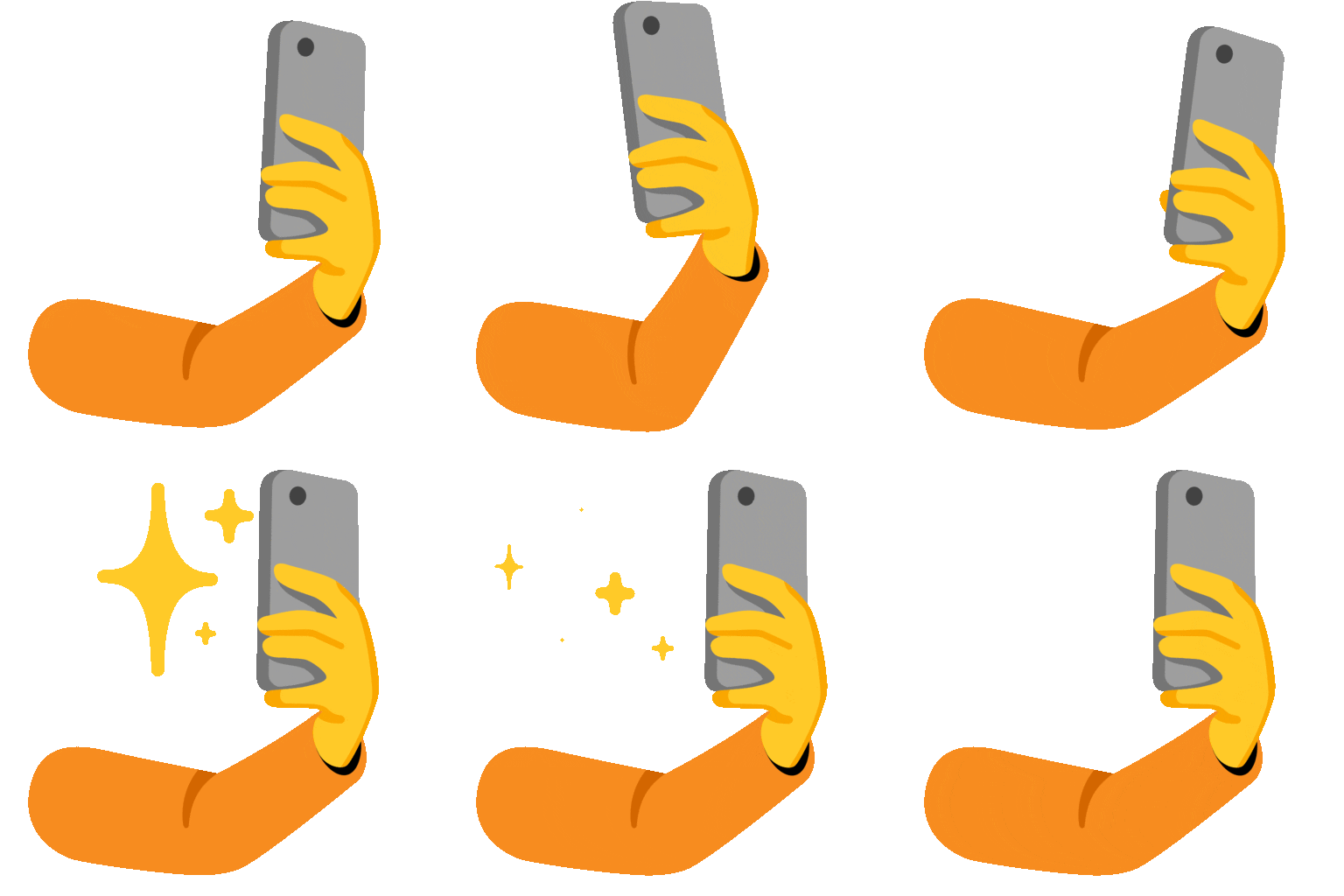
Represents capturing a moment, often used to indicate you're getting ready for a video call or sharing a quick update. It can also imply self-awareness and presentation. The appearance varies across platforms, with Apple and Google showing a hand holding a phone, while Samsung and Microsoft offer slightly different styles.

💻

Laptop

Symbolizes technology and the digital workspace. Use it to indicate you're joining a video call from your computer or to generally represent the virtual environment. The design is consistent across platforms, but the angle and screen content may differ slightly.

📞

Telephone Receiver

Represents communication and connection. While it depicts a traditional phone receiver, it's often used to symbolize calls in general, including video calls. On some platforms like WhatsApp, it appears green, emphasizing a call connection.

👋

Waving Hand

A friendly greeting or farewell. Use it to say hello or goodbye at the beginning or end of a video call. The hand's design and skin tone options vary across platforms, allowing for personalized expression.

🗣️

Speaking Head

Indicates someone is speaking or presenting. Use it to highlight a speaker during a video call or to show you're actively participating. The design is relatively consistent, focusing on a head with sound waves emanating from the mouth.

😄

Grinning Face with Smiling Eyes

Expresses happiness and positivity. Use it to show excitement about a video call or to convey a cheerful mood during the conversation. The intensity of the smile varies slightly across platforms, with Apple's version appearing more subtle than Google's.

👍

Thumbs Up

Indicates agreement, approval, or understanding. Use it to acknowledge a point made during a video call or to show support. Skin tone variations are available, allowing for inclusivity.

📱 Platform Appearances

🤳 Selfie

Selfie Google Noto emoji Google Noto Apache 2.0
Selfie Twitter/X emoji Twitter/X CC-BY 4.0
Selfie Noto Animated emoji Noto Animated Apache 2.0
Selfie Fluent 3D emoji Fluent 3D MIT
Selfie OpenMoji emoji OpenMoji CC BY-SA 4.0

💻 Laptop

Laptop Google Noto emoji Google Noto Apache 2.0
Laptop Twitter/X emoji Twitter/X CC-BY 4.0
Laptop Noto Animated emoji Noto Animated Apache 2.0
Laptop Fluent 3D emoji Fluent 3D MIT
Laptop OpenMoji emoji OpenMoji CC BY-SA 4.0

📞 Telephone Receiver

Telephone Receiver Google Noto emoji Google Noto Apache 2.0
Telephone Receiver Twitter/X emoji Twitter/X CC-BY 4.0
Telephone Receiver Fluent 3D emoji Fluent 3D MIT
Telephone Receiver OpenMoji emoji OpenMoji CC BY-SA 4.0

👋 Waving Hand

Waving Hand Google Noto emoji Google Noto Apache 2.0
Waving Hand Twitter/X emoji Twitter/X CC-BY 4.0
Waving Hand Noto Animated emoji Noto Animated Apache 2.0
Waving Hand Fluent 3D emoji Fluent 3D MIT
Waving Hand OpenMoji emoji OpenMoji CC BY-SA 4.0

🗣️ Speaking Head

Speaking Head Google Noto emoji Google Noto Apache 2.0
Speaking Head Twitter/X emoji Twitter/X CC-BY 4.0
Speaking Head Noto Animated emoji Noto Animated Apache 2.0
Speaking Head OpenMoji emoji OpenMoji CC BY-SA 4.0

😄 Grinning Face with Smiling Eyes

Grinning Face with Smiling Eyes Google Noto emoji Google Noto Apache 2.0
Grinning Face with Smiling Eyes Twitter/X emoji Twitter/X CC-BY 4.0
Grinning Face with Smiling Eyes Noto Animated emoji Noto Animated Apache 2.0
Grinning Face with Smiling Eyes Fluent 3D emoji Fluent 3D MIT
Grinning Face with Smiling Eyes OpenMoji emoji OpenMoji CC BY-SA 4.0

ℹ️ All images shown are from open-licensed sources (Apache 2.0, MIT, CC-BY 4.0, CC BY-SA 4.0) and are free to use.

💬 Ready Messages

Copy and share

Getting ready for our video call! 🤳 See you soon! 😄

Joining the meeting from my laptop 💻. Let's get started! 👍

Just a reminder about our video call later today! 📞 Don't forget! 👋

Having some technical difficulties 😅. Be back in a minute! 🔇

Great presentation! 🗣️ Really enjoyed hearing your insights. 👍

Hmm, I'm not sure I understand 🤔. Can you explain that again? 🗣️

Video call was super productive! 🎉 Thanks, everyone! 👋

Looking forward to our virtual catch-up! 😄 It's been too long! 📞

💡 Usage Tips

🎯

Use emojis to clarify tone

In the absence of face-to-face cues, emojis can help convey your intended tone. A simple 😄 can make a message feel more friendly and approachable.

🎯

React to speakers with relevant emojis

Use 👍 or 👏 to show your agreement or appreciation for what someone is saying during the video call. This provides positive feedback and encourages participation.

🎯

Signal technical issues discreetly

If you're experiencing technical difficulties, use 🔇 or 📶 to let others know without interrupting the flow of the conversation. This is especially useful in larger meetings.

🎯

Personalize your greetings and farewells

Start and end video calls with a 👋 or 😄 to create a warm and welcoming atmosphere. This helps build rapport and strengthens connections.

🎯

Be mindful of platform differences

Keep in mind that emojis can appear differently across platforms like Apple, Google, Samsung, and Microsoft. Test your emojis beforehand to ensure they convey the intended meaning on the recipient's device.

🤖

This content was created with AI technology, enriched with Unicode Consortium data and community contributions. AI Disclosure →

✍️ Emojigo Content Team · Last update: May 2026