Navigating the digital world often involves the unsung hero of laptops: the trackpad. While there isn't a dedicated trackpad emoji, we can creatively use other emojis to represent this essential tool. Think about the actions associated with a trackpad: scrolling, clicking, and precise cursor movements. Emojis that depict fingers, cursors, computers, and even magnifying glasses can all contribute to conveying the idea of a trackpad in your digital communication. This guide explores how to use these emojis effectively and creatively to represent the trackpad and its functions.
The challenge lies in the abstract representation. A trackpad itself is a relatively simple object, but its function is complex. Consider the context of your message. Are you talking about troubleshooting a trackpad issue? Use emojis that convey frustration or technical difficulties. Are you praising the smooth responsiveness of a new trackpad? Opt for emojis that suggest ease and efficiency. Remember that emoji usage is subjective, and the key is to choose emojis that resonate with your audience and clearly communicate your intended meaning. Get creative and combine emojis to build a more nuanced representation of the trackpad experience.
Ultimately, the goal is to find emojis that, when combined, effectively communicate the concept of a trackpad and its associated actions. Don't be afraid to experiment and see what works best in different contexts. Consider using emojis that represent related concepts, such as computers, laptops, and even the mouse, to further enhance your message. With a little creativity, you can effectively express your thoughts and feelings about the trackpad using the power of emojis.
18+Emoji
8Messages
5Tips
⚡
Quick Copy
Copy most popular emojis with one click
🖱️
Computer Mouse
💻
Laptop
👆
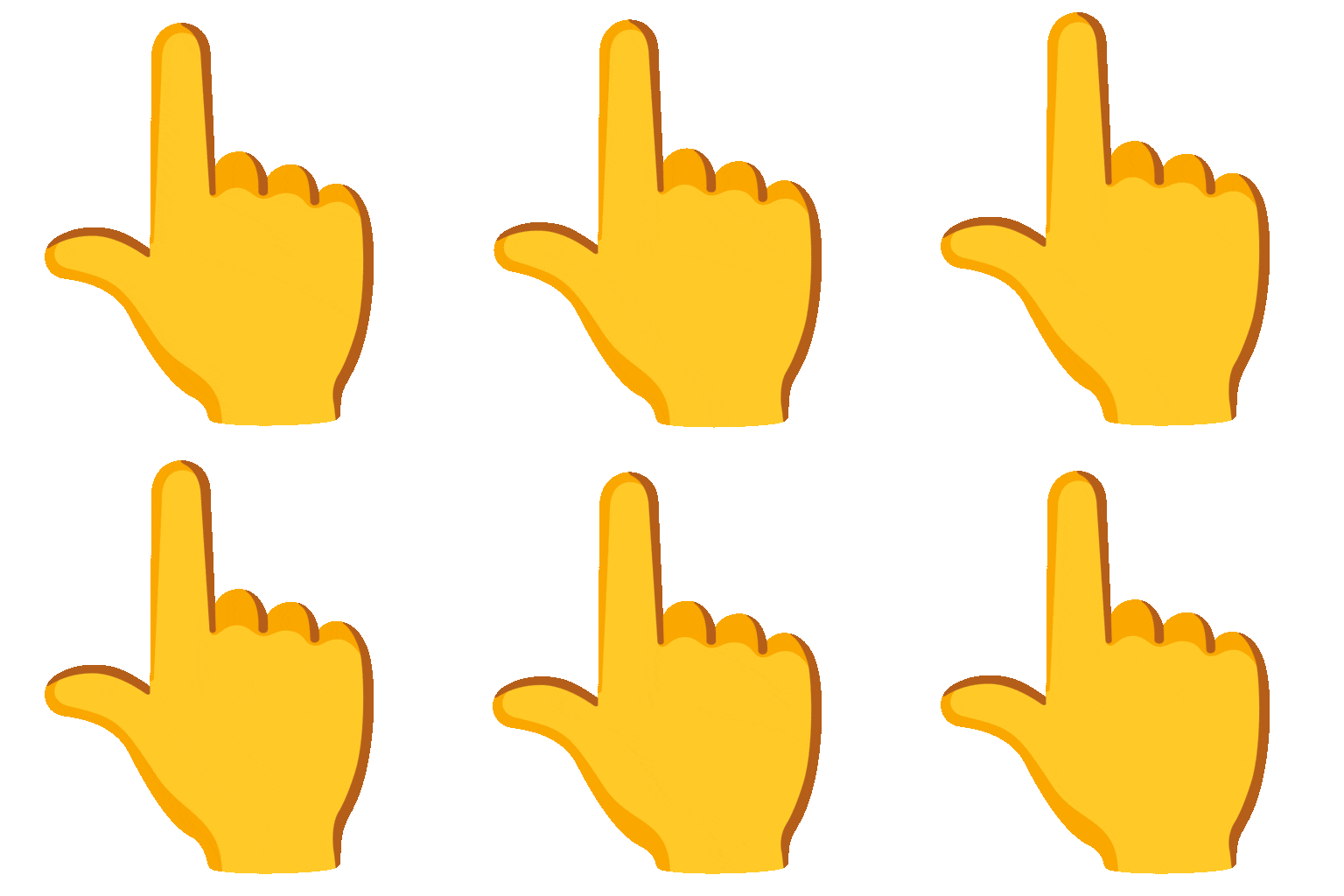
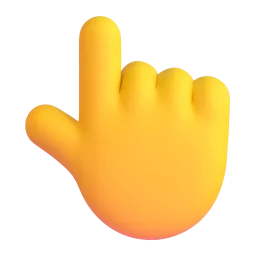
Backhand Index Pointing Up
👇
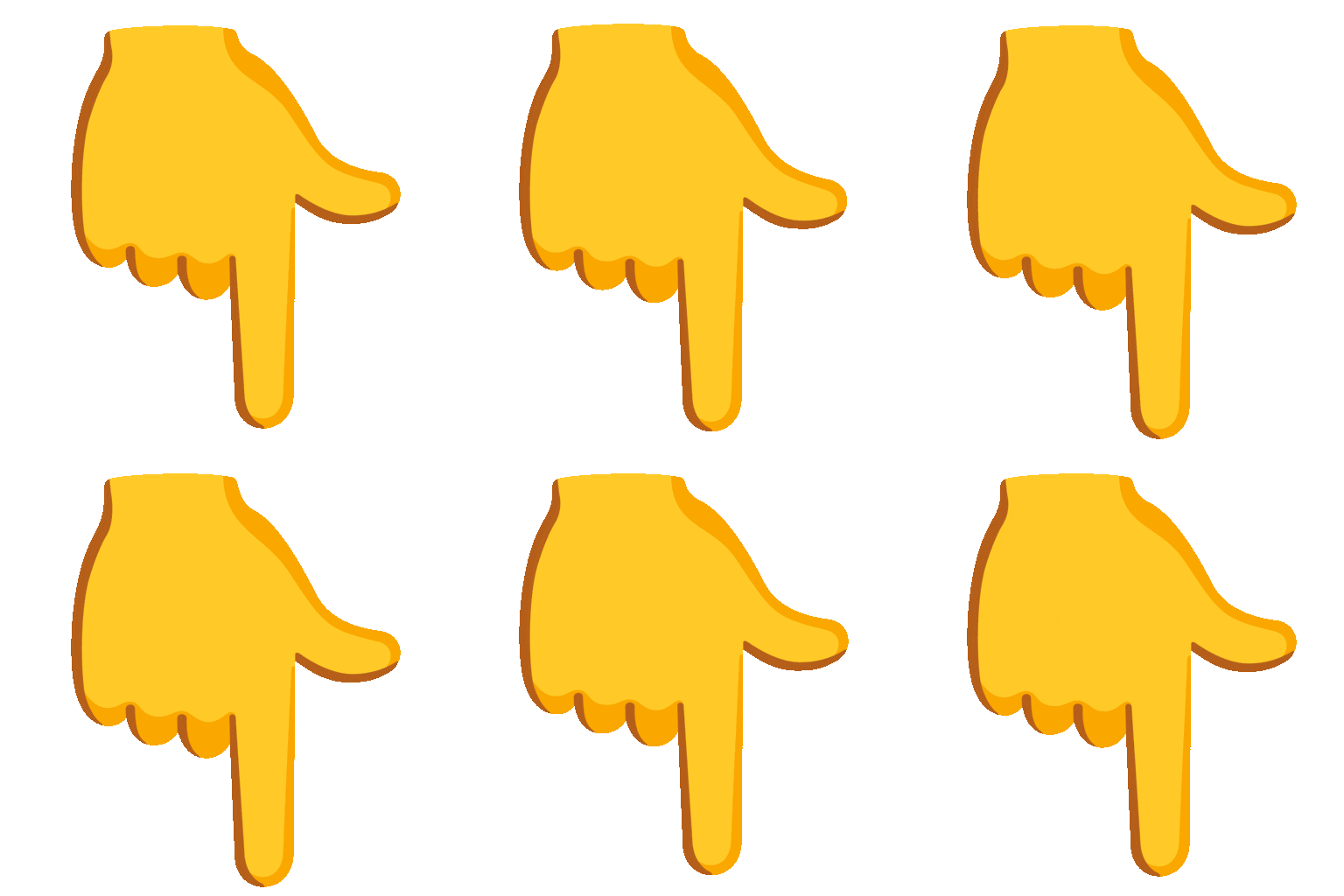
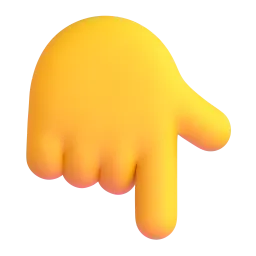
Backhand Index Pointing Down
👈
Backhand Index Pointing Left
👉
Backhand Index Pointing Right
🔎
Magnifying Glass Tilted Right
⚙️
Gear
✅
Check Mark
🚫
Prohibited
🧪 Emoji Mashups (Emoji Kitchen)
Fun mashups created by combining Trackpad emojis with Emoji Kitchen. Download and use them freely.
Help grow the Trackpad collection! Suggest emojis or symbols you think are missing and contribute to the community.
💡 Missing an emoji/symbol?
📖
Meaning & Usage
🖱️
Computer Mouse
Represents computer input devices, often used to symbolize navigation and control on a computer, similar to a trackpad. It can be used to indicate clicking or selecting items on a screen. Different platforms show slightly different mouse designs.
💻
Laptop
Represents a portable computer, the most common device with a trackpad. Use this to indicate that you're talking about something related to laptop usage or functionality. The design varies across platforms, showing different laptop models.
👆
Backhand Index Pointing Up
Can symbolize scrolling up on a trackpad. It can also represent selecting something above the current location on the screen. The hand style varies significantly across platforms.
👇
Backhand Index Pointing Down
Represents scrolling down on a trackpad. It can also indicate selecting something below the current location on the screen. The hand style varies significantly across platforms.
🔎
Magnifying Glass Tilted Right
Symbolizes zooming or searching, actions often performed using a trackpad. Use this to indicate the need to zoom in on something or to search for information. The angle and style of the magnifying glass vary slightly across platforms.
⚙️
Gear
Represents settings or configuration, often accessed to adjust trackpad preferences. Use this to indicate troubleshooting or customization of trackpad settings. The gear design is consistent across most platforms.
✅
Check Mark
Indicates that a task is completed or that a setting is confirmed, often related to trackpad settings. Use this to show that a trackpad issue has been resolved or a setting has been successfully applied. The check mark style is consistent across most platforms.
📱
Platform Appearances
🖱️ Computer Mouse
Google NotoApache 2.0
Twitter/XCC-BY 4.0
OpenMojiCC BY-SA 4.0
💻 Laptop
Google NotoApache 2.0
Twitter/XCC-BY 4.0
Noto AnimatedApache 2.0
Fluent 3DMIT
OpenMojiCC BY-SA 4.0
👆 Backhand Index Pointing Up
Google NotoApache 2.0
Twitter/XCC-BY 4.0
Noto AnimatedApache 2.0
Fluent 3DMIT
OpenMojiCC BY-SA 4.0
👇 Backhand Index Pointing Down
Google NotoApache 2.0
Twitter/XCC-BY 4.0
Noto AnimatedApache 2.0
Fluent 3DMIT
OpenMojiCC BY-SA 4.0
👈 Backhand Index Pointing Left
Google NotoApache 2.0
Twitter/XCC-BY 4.0
Noto AnimatedApache 2.0
Fluent 3DMIT
OpenMojiCC BY-SA 4.0
👉 Backhand Index Pointing Right
Google NotoApache 2.0
Twitter/XCC-BY 4.0
Noto AnimatedApache 2.0
Fluent 3DMIT
OpenMojiCC BY-SA 4.0
ℹ️ All images shown are from open-licensed sources (Apache 2.0, MIT, CC-BY 4.0, CC BY-SA 4.0) and are free to use.
💬
Ready Messages
Copy and share
My trackpad is acting up again! 💻⚙️🚫
Just got a new laptop! 💻 The trackpad is so smooth! ✅
Scrolling through this document is a breeze with this trackpad! 👆👇
Need to zoom in on this image using the trackpad. 🔎
Trying to adjust my trackpad settings... ⚙️
Trackpad not working? Try restarting your computer! 💻🔄
Finally fixed my trackpad issue! 🎉🖱️
Using the trackpad to navigate this website. 🖱️💻
🎨
Related Emojis
💻
Computers
🖱️
Input Devices
👆
Gestures
⚙️
Settings
🔎
Search
✅
Confirmation
🚫
Error
🔄
Refresh
💡
Usage Tips
🎯
Combine Emojis
Use multiple emojis to create a more descriptive message. For example, 💻🖱️ to represent using a trackpad on a laptop.
🎯
Platform Variations
Be aware that emojis can look different on different platforms. Test your emoji combinations to ensure they convey the intended meaning across devices.
🎯
Context is Key
Choose emojis that are relevant to the context of your message. If you're talking about a broken trackpad, use emojis that convey frustration or technical difficulties.
🎯
Use Gestures
Emojis like 👆👇👈👉 can represent swiping and scrolling actions on a trackpad.
🎯
Troubleshooting
Use ⚙️ and 🚫 to indicate problems with the trackpad and attempts to fix them.
🔗
Similar Combinations
Discover more emoji combinations related to Trackpad