Time management is the process of planning and controlling how much time to spend on specific activities. Good time management enables you to work smarter, not harder, so that you get more done in less time, even when time is tight and pressures are high. Using emojis in the context of time management can help visually represent tasks, deadlines, and progress, making communication more efficient and engaging. They can also add a touch of personality to otherwise mundane reminders and schedules. Whether you're organizing your personal life or coordinating projects at work, emojis can be a valuable tool for enhancing clarity and motivation.
This guide provides a comprehensive overview of emojis related to time management, including their meanings, usage tips, and examples of how to incorporate them into your daily routines. From clocks and calendars to checkmarks and progress bars, we'll explore the diverse range of emojis that can help you stay on track and achieve your goals. We'll also delve into the cultural context of these emojis and how they might be interpreted differently across various platforms and audiences. By mastering the art of emoji-based time management, you can streamline your communication, boost your productivity, and make your schedule a little more fun.
Remember that emoji support varies across platforms. While most modern devices and apps support a wide range of emojis, older systems may not display them correctly. This can lead to misinterpretations or a lack of visual consistency. Before relying heavily on emojis for time management, it's a good idea to test how they appear on the devices and platforms used by your team or collaborators. Also, consider the cultural context of your audience. Some emojis may have different meanings in different cultures, so it's important to be mindful of potential misunderstandings.
17+Emoji
8Messages
5Tips
⚡
Quick Copy
Copy most popular emojis with one click
⏰
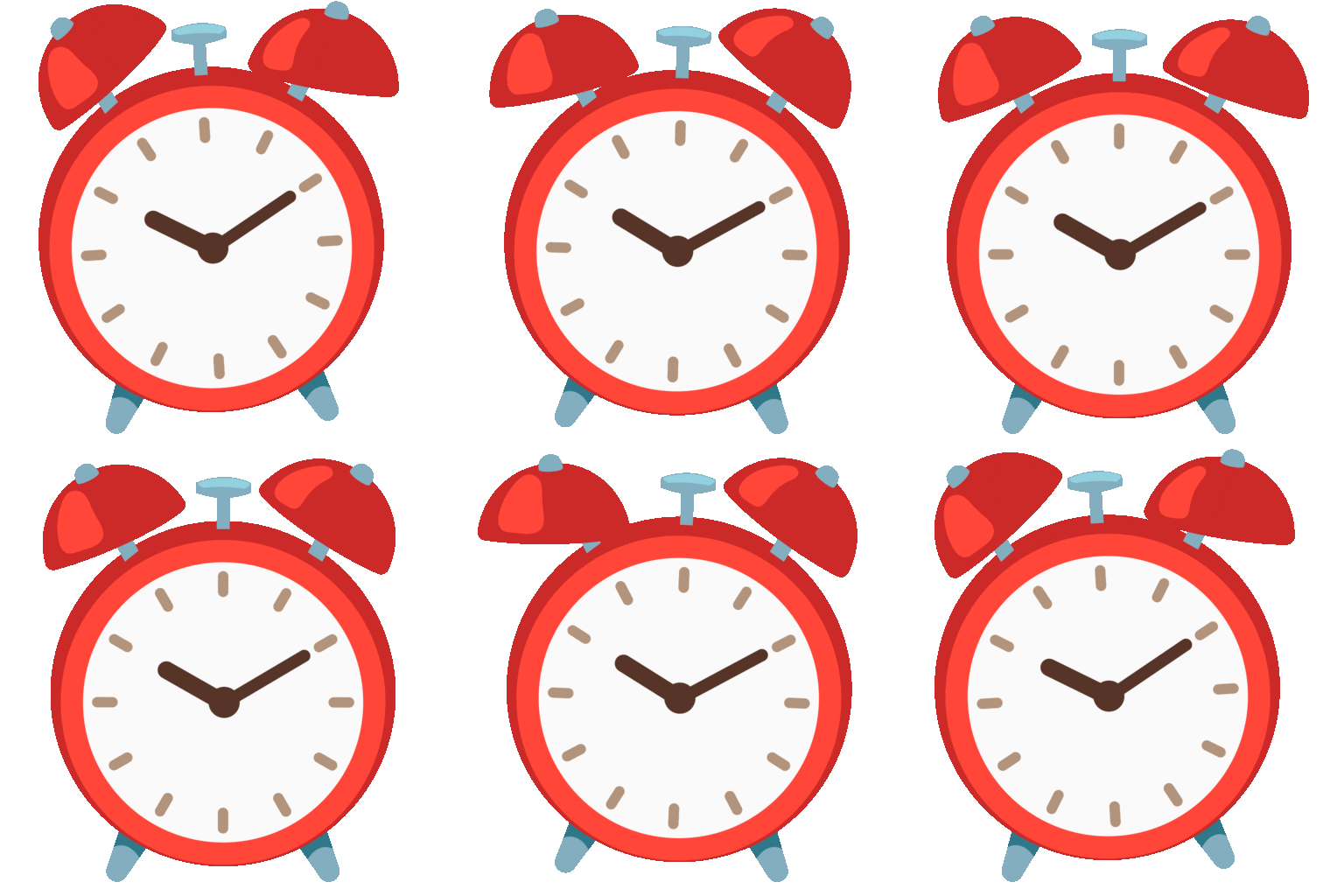
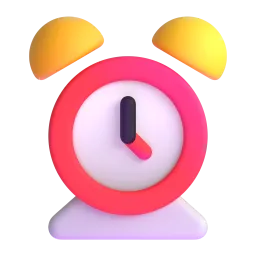
Alarm Clock
📅
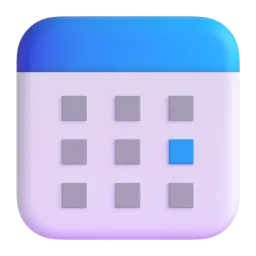
Calendar
⏱️
Stopwatch
⏳
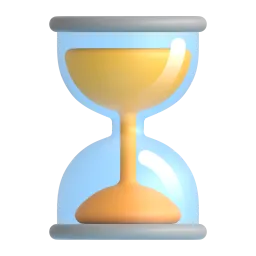
Hourglass
✅
Check Mark
🗓️
Spiral Calendar
📊
Bar Chart
📌
Pushpin
📝
Memo
✔️
Check Mark Button
🧪 Emoji Mashups (Emoji Kitchen)
Fun mashups created by combining Time Management emojis with Emoji Kitchen. Download and use them freely.
Help grow the Time Management collection! Suggest emojis or symbols you think are missing and contribute to the community.
💡 Missing an emoji/symbol?
📖
Meaning & Usage
⏰
Alarm Clock Emoji
Represents a specific time or a reminder. Use it to indicate deadlines or scheduled events. On some platforms like Apple, the clock face might show a default time, while others like Google may show the device's current time. Can also imply waking up early or being punctual.
📅
Calendar Emoji
Represents a date or a schedule. Use it to mark important dates or appointments. The appearance varies across platforms; Apple shows July 17, Google shows May 11, and Samsung shows March 15. Use with other emojis to specify the event.
⏱️
Stopwatch Emoji
Represents timing an activity or measuring duration. Use it to indicate time-sensitive tasks or competitions. It can also symbolize speed or efficiency. The design is generally consistent across platforms, showing a classic stopwatch.
⏳
Hourglass Emoji
Represents the passage of time or a limited time frame. Use it to indicate deadlines or the urgency of a task. The hourglass design is fairly consistent across platforms, but the amount of sand remaining may vary slightly.
✅
Check Mark Emoji
Represents completion or approval. Use it to mark tasks as finished or to confirm appointments. It's a simple and universally understood symbol. The check mark's color and style may differ slightly between platforms.
🗓️
Spiral Calendar Emoji
Similar to the regular calendar emoji, but with a spiral binding, often used to represent scheduling or planning. It can also suggest a more detailed or long-term schedule. The specific date shown on the calendar varies across platforms.
📱
Platform Appearances
⏰ Alarm Clock
Google NotoApache 2.0
Twitter/XCC-BY 4.0
Noto AnimatedApache 2.0
Fluent 3DMIT
OpenMojiCC BY-SA 4.0
📅 Calendar
Google NotoApache 2.0
Twitter/XCC-BY 4.0
Fluent 3DMIT
OpenMojiCC BY-SA 4.0
⏱️ Stopwatch
Google NotoApache 2.0
Twitter/XCC-BY 4.0
OpenMojiCC BY-SA 4.0
⏳ Hourglass
Google NotoApache 2.0
Twitter/XCC-BY 4.0
Noto AnimatedApache 2.0
Fluent 3DMIT
✅ Check Mark
Google NotoApache 2.0
Twitter/XCC-BY 4.0
Noto AnimatedApache 2.0
Fluent 3DMIT
OpenMojiCC BY-SA 4.0
🗓️ Spiral Calendar
Google NotoApache 2.0
Twitter/XCC-BY 4.0
OpenMojiCC BY-SA 4.0
ℹ️ All images shown are from open-licensed sources (Apache 2.0, MIT, CC-BY 4.0, CC BY-SA 4.0) and are free to use.
💬
Ready Messages
Copy and share
Meeting at 2 PM today 🗓️⏰
Deadline approaching! ⏳ Finish the report by Friday ✅
Project timeline: Phase 1 ➡️ Phase 2 ➡️ Phase 3 📊
Don't forget to set your alarm! ⏰😴
Task completed! ✔️ On to the next one! 🚀
Need to prioritize tasks this week 📌📝
Let's track our progress using a stopwatch ⏱️
Remember to schedule your break time! ☕🧘♀️📅
🎨
Related Emojis
📅
Calendar
⏰
Clock
✔️
Checkmarks
📊
Charts
📌
Office
📝
Notes
⏳
Time
💡
Usage Tips
🎯
Use emojis consistently
Establish a system for using specific emojis to represent certain types of tasks or deadlines. This will make your schedule easier to read at a glance.
🎯
Combine emojis for clarity
Use multiple emojis to provide more context. For example, use the calendar emoji 📅 with the clock emoji ⏰ to specify both the date and time of an event.
🎯
Consider platform differences
Be aware that emojis may appear differently on different platforms. Test your emoji-based schedule on various devices to ensure it's easily understandable.
🎯
Don't overdo it
While emojis can be helpful, using too many can make your schedule cluttered and confusing. Use them sparingly and strategically.
🎯
Personalize your system
Choose emojis that resonate with you and your personal style. This will make your time management system more engaging and enjoyable.
🔗
Similar Combinations
Discover more emoji combinations related to Time Management