Project timelines are essential tools for planning, organizing, and tracking the progress of projects. Emojis can add visual clarity and a touch of personality to these often-complex schedules. This guide explores how to effectively use emojis to represent different stages, tasks, and milestones within a project timeline. From initial planning to final delivery, discover how emojis can enhance communication, boost team morale, and make project management more engaging. Whether you're using project management software or a simple spreadsheet, incorporating emojis can transform your timeline from a daunting document into an easily digestible visual aid. Consider using different emojis for different teams or departments involved in the project, and always ensure that the emoji usage is consistent throughout the timeline for clarity. Remember to provide a key or legend if your emoji usage is complex, especially when sharing the timeline with external stakeholders.
16+Emoji
8Messages
5Tips
⚡
Quick Copy
Copy most popular emojis with one click
🗓️
Calendar
✅
Check Mark
🚧
Construction
🚀
Rocket
⏳
Hourglass
📊
Bar Chart
📌
Pushpin
🏁
Checkered Flag
🔔
Bell
🧪 Emoji Mashups (Emoji Kitchen)
Fun mashups created by combining Project Timeline emojis with Emoji Kitchen. Download and use them freely.
Help grow the Project Timeline collection! Suggest emojis or symbols you think are missing and contribute to the community.
💡 Missing an emoji/symbol?
📖
Meaning & Usage
🗓️
Calendar
Represents a specific date or deadline within the project timeline. Use it to mark key milestones or scheduled events. On Apple, the calendar shows July 17, while other platforms may show different dates or a generic calendar icon.
✅
Check Mark
Indicates the completion of a task or milestone. It signifies that a particular stage of the project has been successfully finished. The appearance varies slightly across platforms, but the meaning is universally understood.
🚧
Construction
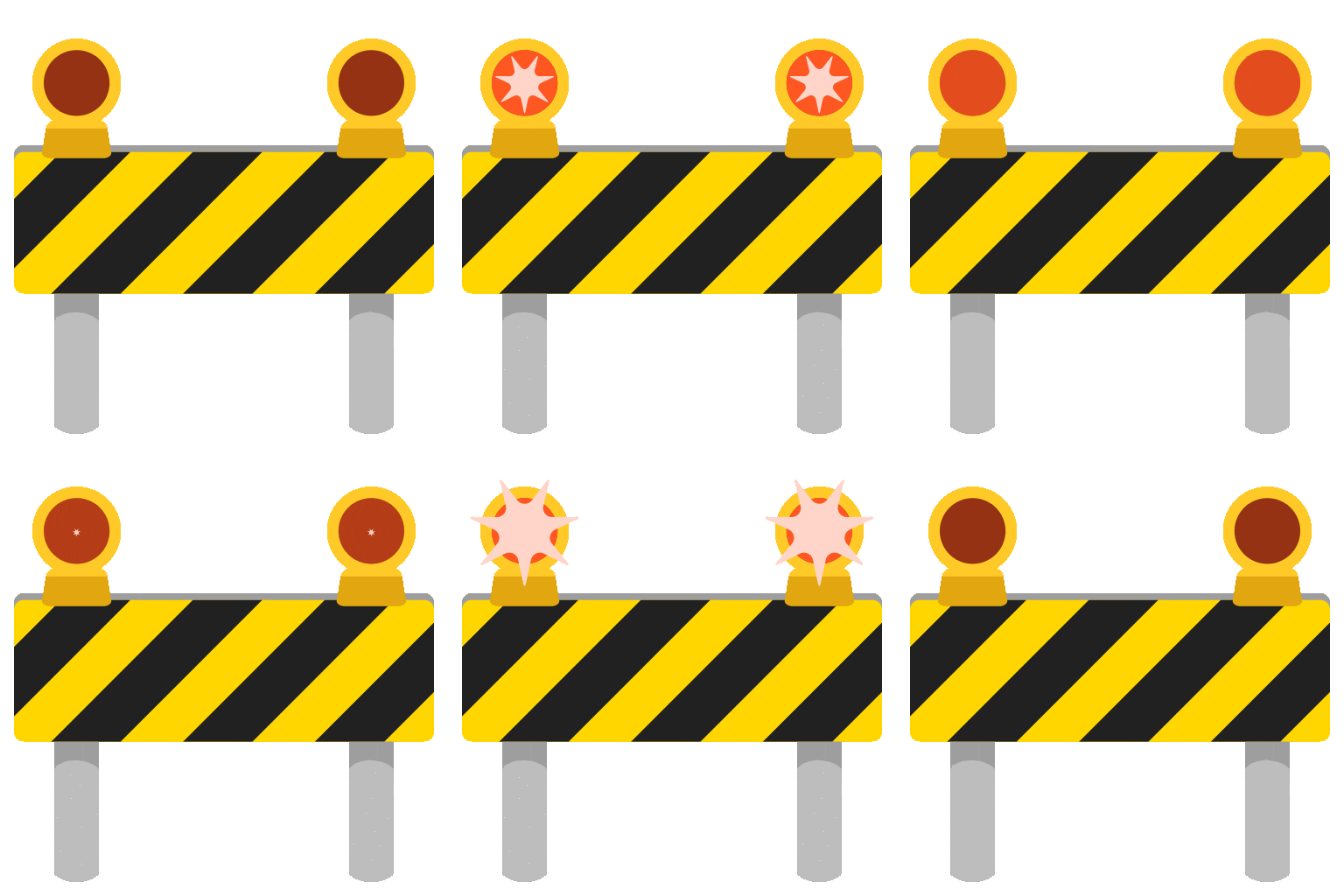
Signifies that a task is currently in progress or under development. It can also indicate potential roadblocks or areas requiring attention. The design shows a construction sign, and the colors may vary across platforms.
🚀
Rocket
Represents the launch or initiation of a new phase of the project. It symbolizes progress and forward momentum. This emoji is visually consistent across most platforms, showing a rocket taking off.
⏳
Hourglass
Indicates that a task is pending or waiting for approval. It can also represent a time-sensitive activity. The hourglass design is generally consistent, but the sand may be depicted as flowing or stationary.
📊
Bar Chart
Represents progress tracking and data analysis within the project. Use it to visualize key performance indicators (KPIs) or project metrics. The chart design varies slightly, but it always conveys data representation.
📱
Platform Appearances
🗓️ Calendar
Google NotoApache 2.0
Twitter/XCC-BY 4.0
OpenMojiCC BY-SA 4.0
✅ Check Mark
Google NotoApache 2.0
Twitter/XCC-BY 4.0
Noto AnimatedApache 2.0
Fluent 3DMIT
OpenMojiCC BY-SA 4.0
🚧 Construction
Google NotoApache 2.0
Twitter/XCC-BY 4.0
Noto AnimatedApache 2.0
Fluent 3DMIT
OpenMojiCC BY-SA 4.0
🚀 Rocket
Google NotoApache 2.0
Twitter/XCC-BY 4.0
Noto AnimatedApache 2.0
Fluent 3DMIT
OpenMojiCC BY-SA 4.0
⏳ Hourglass
Google NotoApache 2.0
Twitter/XCC-BY 4.0
Noto AnimatedApache 2.0
Fluent 3DMIT
📊 Bar Chart
Google NotoApache 2.0
Twitter/XCC-BY 4.0
Noto AnimatedApache 2.0
Fluent 3DMIT
OpenMojiCC BY-SA 4.0
ℹ️ All images shown are from open-licensed sources (Apache 2.0, MIT, CC-BY 4.0, CC BY-SA 4.0) and are free to use.
💬
Ready Messages
Copy and share
Project kickoff meeting scheduled! 🗓️ Let's get started! 🚀
Phase 1 complete! ✅ Moving on to Phase 2! 🚧
Deadline approaching! ⏳ Let's focus and finish strong! 🏁
Project update: 📊 Progress is on track! Keep up the great work! 👍
Important reminder: 📌 Final review meeting next week! 🗓️
New task assigned: 📝 Please review and start working on it ASAP! 🚧
Milestone achieved! 🎉 Celebrating our success! 🥳
Urgent: 🔔 Critical issue detected! Need immediate attention! 🚨
🎨
Related Emojis
📅
Date
✔️
Status
⚙️
Process
📈
Progress
🚩
Milestone
💬
Communication
🚨
Alert
💡
Usage Tips
🎯
Consistency is Key
Maintain a consistent emoji usage throughout the project timeline to avoid confusion. Define a clear legend or key for emoji meanings.
🎯
Platform Compatibility
Be mindful of cross-platform emoji differences. Test your timeline on different devices (Apple, Android, Windows) to ensure clarity.
🎯
Accessibility
Provide text descriptions alongside emojis for users with visual impairments. This ensures that the timeline is accessible to everyone.
🎯
Less is More
Avoid overusing emojis. Too many emojis can make the timeline cluttered and difficult to read. Use them strategically to highlight key information.
🎯
Context Matters
Choose emojis that are relevant to the specific task or milestone. Ensure that the emoji's meaning is clear within the context of the project.
🔗
Similar Combinations
Discover more emoji combinations related to Project Timeline