Film editing is the art and process of assembling shots into a coherent sequence, shaping the narrative and emotional impact of a film. Emojis can be used to represent various aspects of this process, from the technical tools used to the creative decisions made. Whether you're discussing your latest project, sharing behind-the-scenes moments, or just expressing your love for cinema, these emojis can add a visual layer to your communication. They help convey the different stages of editing, the emotions involved, and the collaborative nature of filmmaking. Using emojis effectively in the context of film editing can make your messages more engaging and relatable to fellow filmmakers and film enthusiasts.
When choosing emojis for film editing, consider the specific message you want to convey. 🎬 can represent the overall filmmaking process, while ✂️ can symbolize the act of cutting and splicing footage. 🎞️ and 🎥 can evoke the nostalgia of classic film, while 💻 and 🖱️ represent the modern digital editing workflow. Think about the emotional tone you want to set – a celebratory 🎉 for finishing a project, a frustrated 😫 when dealing with technical difficulties, or an excited 🤩 when discovering a perfect cut. By carefully selecting emojis, you can enhance your communication and create a more immersive experience for your audience. Remember to use them sparingly and strategically to avoid overwhelming your message. Also, be mindful of how different platforms display emojis, as their appearance can vary slightly across devices and operating systems.
18+Emoji
8Messages
5Tips
⚡
Quick Copy
Copy most popular emojis with one click
🎬
Clapper Board
✂️
Scissors
🎞️
Film Frames
🎥
Movie Camera
💻
Laptop
🖱️
Computer Mouse
⏱️
Stopwatch
⚙️
Gear
🎦
Cinema
💡
Light Bulb
🧪 Emoji Mashups (Emoji Kitchen)
Fun mashups created by combining Film Editing emojis with Emoji Kitchen. Download and use them freely.
Help grow the Film Editing collection! Suggest emojis or symbols you think are missing and contribute to the community.
💡 Missing an emoji/symbol?
📖
Meaning & Usage
🎬
Clapper Board
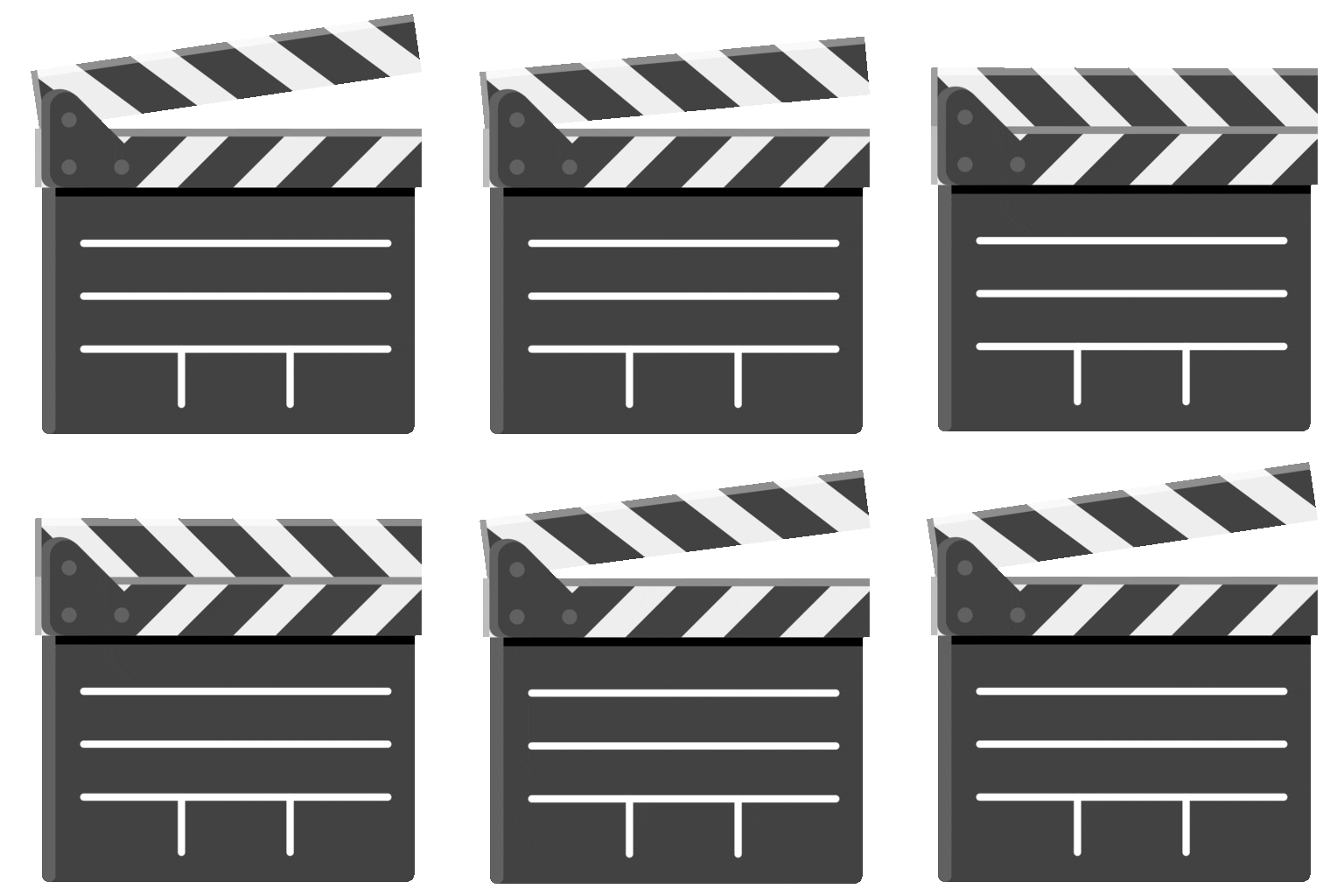
Represents filmmaking in general, often used to signal the start of a scene or project. It can also symbolize the collaborative effort involved in creating a film. On some platforms, the design includes the director's name and scene details.
✂️
Scissors
Symbolizes the act of cutting, splicing, and editing footage. It can represent precision, removal, or the process of refining a film. The appearance varies slightly across platforms, but the core meaning remains consistent.
🎞️
Film Frames
Represents the traditional film reel and evokes a sense of nostalgia for classic cinema. It can also symbolize the individual frames that make up a moving picture. Apple's version shows a strip of film with sprocket holes.
🎥
Movie Camera
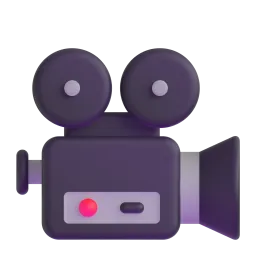
Represents the equipment used to capture footage. It can symbolize the act of filming, the film industry, or a specific movie project. Google's version is often more detailed, showing a professional camera setup.
💻
Laptop
Represents the digital tools and software used in modern film editing. It can symbolize the editing process, the use of technology, or working on a film project remotely. Microsoft's version often shows a generic laptop design.
⏱️
Stopwatch
Represents the time-sensitive nature of film editing and the need for precision. It can symbolize deadlines, pacing, or the careful timing of cuts. Samsung's version often has a more sporty or athletic feel.
💡
Light Bulb
Represents a creative idea or inspiration during the editing process. It can symbolize brainstorming, problem-solving, or finding the perfect solution for a scene. It can also represent lighting in film.
📱
Platform Appearances
🎬 Clapper Board
Google NotoApache 2.0
Twitter/XCC-BY 4.0
Noto AnimatedApache 2.0
✂️ Scissors
Google NotoApache 2.0
Twitter/XCC-BY 4.0
Noto AnimatedApache 2.0
OpenMojiCC BY-SA 4.0
🎞️ Film Frames
Google NotoApache 2.0
Twitter/XCC-BY 4.0
Noto AnimatedApache 2.0
OpenMojiCC BY-SA 4.0
🎥 Movie Camera
Google NotoApache 2.0
Twitter/XCC-BY 4.0
Fluent 3DMIT
OpenMojiCC BY-SA 4.0
💻 Laptop
Google NotoApache 2.0
Twitter/XCC-BY 4.0
Noto AnimatedApache 2.0
Fluent 3DMIT
OpenMojiCC BY-SA 4.0
🖱️ Computer Mouse
Google NotoApache 2.0
Twitter/XCC-BY 4.0
OpenMojiCC BY-SA 4.0
ℹ️ All images shown are from open-licensed sources (Apache 2.0, MIT, CC-BY 4.0, CC BY-SA 4.0) and are free to use.
💬
Ready Messages
Copy and share
Just finished the first cut! 🎬✂️ Feeling good about this project. 🎉
Struggling with the pacing of this scene. ⏱️ Any suggestions? 🤔
Finally found the perfect music for this montage! 🎶🤩 So excited!
Editing all night! 💻😴 Need coffee and motivation. ☕
That feeling when you nail the perfect cut. ✂️✨ #filmediting
New editing project starting today! 🎬 Wish me luck! 🙏
Anyone else obsessed with the sound design in this movie? 🎧🤯
Brainstorming ideas for the opening sequence. 💡 Let's make it epic! 🔥
🎨
Related Emojis
🎬
Filmmaking
✂️
Editing
🎞️
Film
💻
Technology
⏱️
Time
💡
Creativity
🎦
Cinema
⚙️
Tools
💡
Usage Tips
🎯
Use emojis to show progress
Share your editing milestones with emojis like 🎬 for starting, ✂️ for cutting, and 🎉 for finishing. This helps keep your audience engaged.
🎯
Emphasize emotional reactions
Use emojis like 🤩 for excitement, 😫 for frustration, and 🤔 for contemplation to convey your emotional state during the editing process. Be mindful of platform differences in emoji appearance.
🎯
Visualize technical aspects
Use emojis like 💻 for digital editing, ⏱️ for timing, and ⚙️ for technical challenges. This adds a visual layer to your descriptions.
🎯
Create a cinematic mood
Use emojis like 🎞️ for classic film, 🎥 for movie camera, and 🎦 for cinema to evoke a sense of nostalgia and passion for filmmaking. Consider the context and audience when using these emojis.
🎯
Combine emojis for complex ideas
Combine emojis to express more complex ideas, such as 🎬✂️ for starting the editing process or 💻⏱️ for time-sensitive digital editing. This allows for more nuanced communication.
🔗
Similar Combinations
Discover more emoji combinations related to Film Editing