An agenda, whether for a meeting, a conference, or a personal to-do list, is a crucial tool for organization and productivity. Emojis can add a visual layer to your agenda, making it more engaging and easier to scan. They can represent different topics, priorities, or action items, helping you quickly identify what needs your attention. Using emojis in your agenda can also inject a bit of personality and fun into what might otherwise be a dry and formal document. This guide explores the best emojis to use when crafting your agenda, providing context and examples to help you effectively communicate your plans and goals.
When selecting emojis for your agenda, consider the specific context and audience. For a formal business meeting, you might choose more professional and straightforward emojis like a calendar 🗓️, a clock ⏰, or a chart 📊. For a more casual setting, such as a team brainstorming session or a personal to-do list, you can use more playful and expressive emojis like a light bulb💡, a checkmark ✅, or even a party popper 🎉 to celebrate completed tasks. The key is to use emojis strategically to enhance clarity and engagement, rather than distracting from the core information. Remember to be mindful of cross-platform compatibility, as emojis can appear differently on various devices and operating systems. This guide will help you navigate the world of agenda-related emojis and use them effectively to boost your productivity and communication.
16+Emoji
8Messages
5Tips
⚡
Quick Copy
Copy most popular emojis with one click
🗓️
Calendar
📝
Memo
✅
Check Mark
⏰
Alarm Clock
📊
Bar Chart
📌
Pushpin
💡
Light Bulb
💻
Laptop
🧪 Emoji Mashups (Emoji Kitchen)
Fun mashups created by combining Agenda emojis with Emoji Kitchen. Download and use them freely.
Help grow the Agenda collection! Suggest emojis or symbols you think are missing and contribute to the community.
💡 Missing an emoji/symbol?
📖
Meaning & Usage
🗓️
Calendar Emoji
Represents dates, schedules, and appointments. Use it to indicate specific dates in your agenda or to highlight calendar-related items. Cross-platform appearance varies, with some showing the current date and others a generic calendar.
📝
Memo Emoji
Symbolizes notes, memos, and written communication. Use it to denote important notes or action items within your agenda. On some platforms, it appears as a notepad with a pencil, while on others it's a simple memo sheet.
✅
Check Mark Emoji
Indicates completion or approval. Use it to mark tasks as completed or to signify that an item has been approved. The appearance is generally consistent across platforms, but the color and style may vary slightly.
⏰
Alarm Clock Emoji
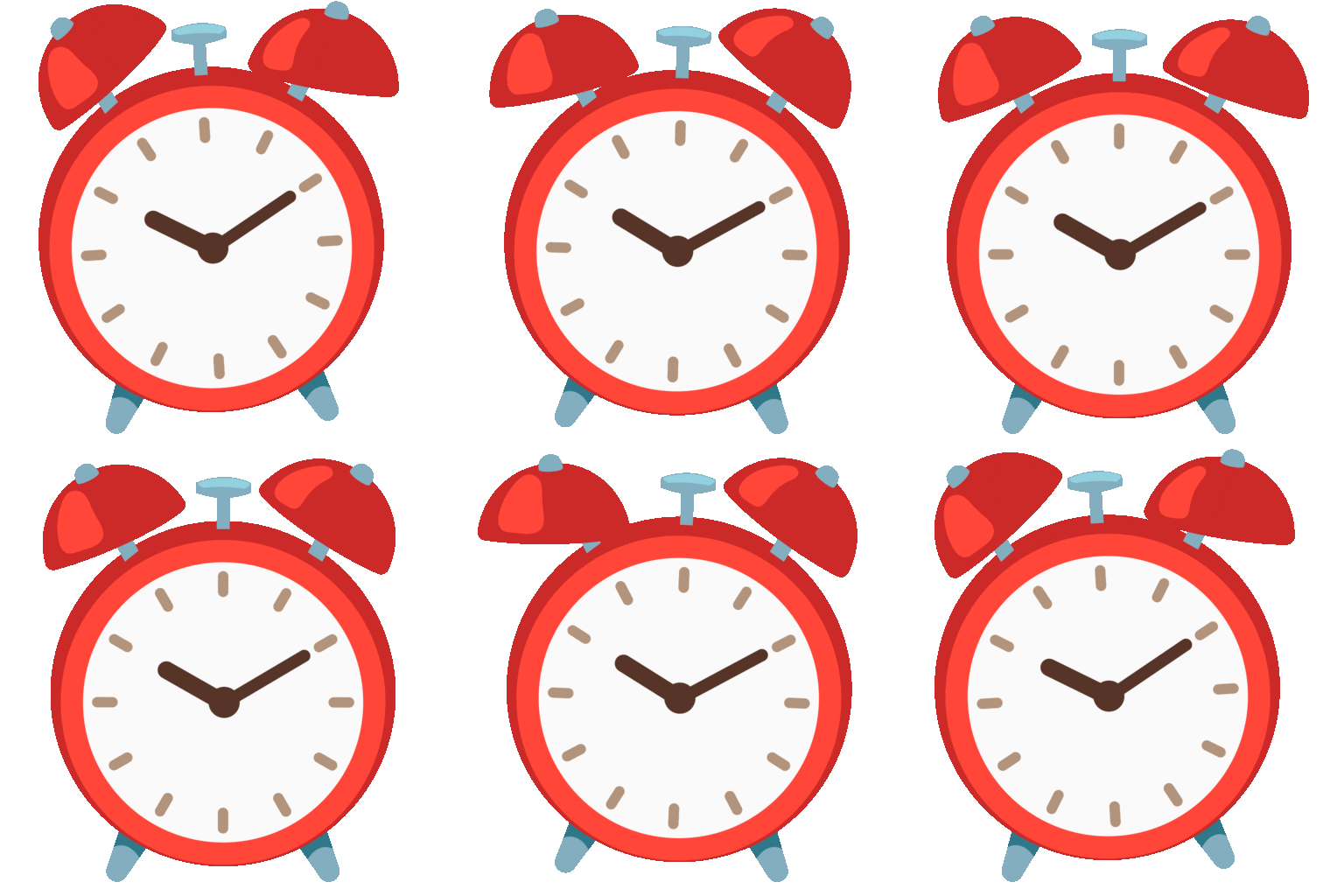
Represents time, deadlines, and reminders. Use it to highlight time-sensitive items or to set reminders within your agenda. The design varies across platforms, with some showing a digital clock and others an analog clock.
📊
Bar Chart Emoji
Symbolizes data, progress, and analysis. Use it to represent data-driven items or to track progress towards goals within your agenda. The appearance is generally consistent, but the specific data displayed may vary.
📌
Pushpin Emoji
Indicates importance or priority. Use it to highlight key items or to prioritize tasks within your agenda. The design is generally consistent across platforms, showing a simple pushpin.
📱
Platform Appearances
🗓️ Calendar
Google NotoApache 2.0
Twitter/XCC-BY 4.0
OpenMojiCC BY-SA 4.0
📝 Memo
Google NotoApache 2.0
Twitter/XCC-BY 4.0
Fluent 3DMIT
OpenMojiCC BY-SA 4.0
✅ Check Mark
Google NotoApache 2.0
Twitter/XCC-BY 4.0
Noto AnimatedApache 2.0
Fluent 3DMIT
OpenMojiCC BY-SA 4.0
⏰ Alarm Clock
Google NotoApache 2.0
Twitter/XCC-BY 4.0
Noto AnimatedApache 2.0
Fluent 3DMIT
OpenMojiCC BY-SA 4.0
📊 Bar Chart
Google NotoApache 2.0
Twitter/XCC-BY 4.0
Noto AnimatedApache 2.0
Fluent 3DMIT
OpenMojiCC BY-SA 4.0
📌 Pushpin
Google NotoApache 2.0
Twitter/XCC-BY 4.0
Fluent 3DMIT
OpenMojiCC BY-SA 4.0
ℹ️ All images shown are from open-licensed sources (Apache 2.0, MIT, CC-BY 4.0, CC BY-SA 4.0) and are free to use.
Team Meeting: 🗓️ Tuesday, ⏰ 2:00 PM. Discuss project updates 💻, Brainstorm new ideas 💡, Assign tasks ✅.
Personal Agenda: 🧘 Meditate, 🍳 Cook dinner, 📚 Read a chapter.
Client Meeting Agenda: 🗓️ Nov 5, ⏰ 11:00 AM. Review proposal 📄, Discuss budget 💰, Next steps 🚀.
🎨
Related Emojis
💼
Business
📅
Schedule
🎯
Goals
✅
Completion
💡
Ideas
📈
Progress
💻
Technology
🤝
Collaboration
💡
Usage Tips
🎯
Prioritize with Emojis
Use emojis like 📌 or ❗ to highlight high-priority items in your agenda. This helps you quickly identify what needs your immediate attention.
📱
Cross-Platform Compatibility
Be mindful of how emojis appear on different platforms (Apple, Android, Windows). Test your agenda on various devices to ensure clarity.
🎨
Use Emojis Sparingly
Don't overdo it! Too many emojis can make your agenda look cluttered and unprofessional. Use them strategically to enhance, not distract.
✍️
Consistent Emoji Usage
Establish a consistent system for using emojis in your agenda. For example, use the same emoji to represent the same type of task or item throughout the document.
🏢
Consider Your Audience
Choose emojis that are appropriate for your audience and the context of the agenda. A formal business meeting requires different emojis than a casual team brainstorming session.
🔗
Similar Combinations
Discover more emoji combinations related to Agenda